

01 Shop
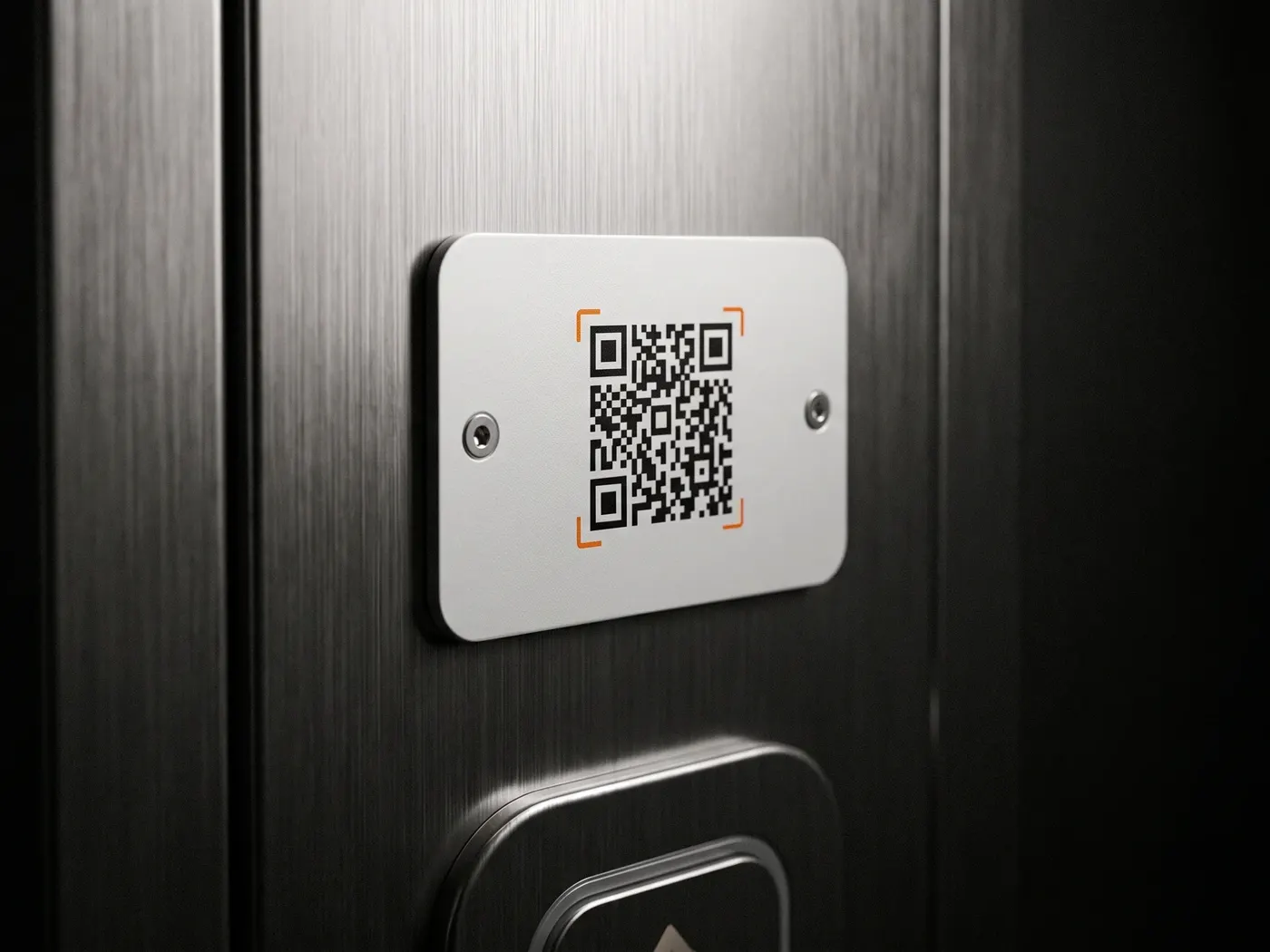
"Message us" in the shop window
Customers would rather send a quick WhatsApp than call. The code in the window or at the counter makes the first step as easy as possible.
Ships from Germany · 1–2 business days
Sold out · back soon
Free · No sign-up
Enter your number, optionally add a pre-written message ("Hi, I'm interested in …") — and everyone who scans lands directly in a chat with you. Ideal for shop windows, flyers and classified ads.
Step 1 · What should your code do?
Step 2 · Fill in
Starts a WhatsApp chat with you — with a pre-written message if you like.
Step 3 · Appearance
All optional — the code works fine as it is.
Example preview · 25×25
Fill in the fields on the left — your code appears as you type.
100% local · No data transfer · Works with any WhatsApp number
How it works
Step 01
In international format, i.e. with country code: +49 170 1234567. This exact number opens later in the chat.
Step 02
Optional, but effective: a pre-written message like "Hi, I'm coming from the flyer" lowers the barrier — the other person just has to tap Send.
Step 03
Save the code and put it where your customers are: shop window, business card, sales listing, menu. One scan starts the chat.
Works with WhatsApp and WhatsApp Business — at no extra cost
Where the WhatsApp code pays off
01 Shop
Customers would rather send a quick WhatsApp than call. The code in the window or at the counter makes the first step as easy as possible.
02 Flyers & Ads
On flyers, posters and business cards the code replaces retyping the number — and the pre-written message tells you right away where the contact came from.
03 Sales
When selling a car, on the bulletin board or at the flea market: prospects scan and message you instead of photographing the number.
Questions & Answers
The code contains your personal WhatsApp link (wa.me). When scanned, WhatsApp opens directly with a chat to your number — optionally with a pre-written message.
No. The code works with any number that runs WhatsApp — personal or Business.
Yes. When scanned, the message is already in the input field; the other person just has to tap Send. That lowers the barrier considerably — and you can tell right away which code someone found you through.
Yes — as with any WhatsApp chat, your number becomes visible once the conversation starts. If you don't want to make your private number public, use a separate business number.
Nothing — no account, no limit, no watermark. The code is created right in your browser and is yours.
By the way
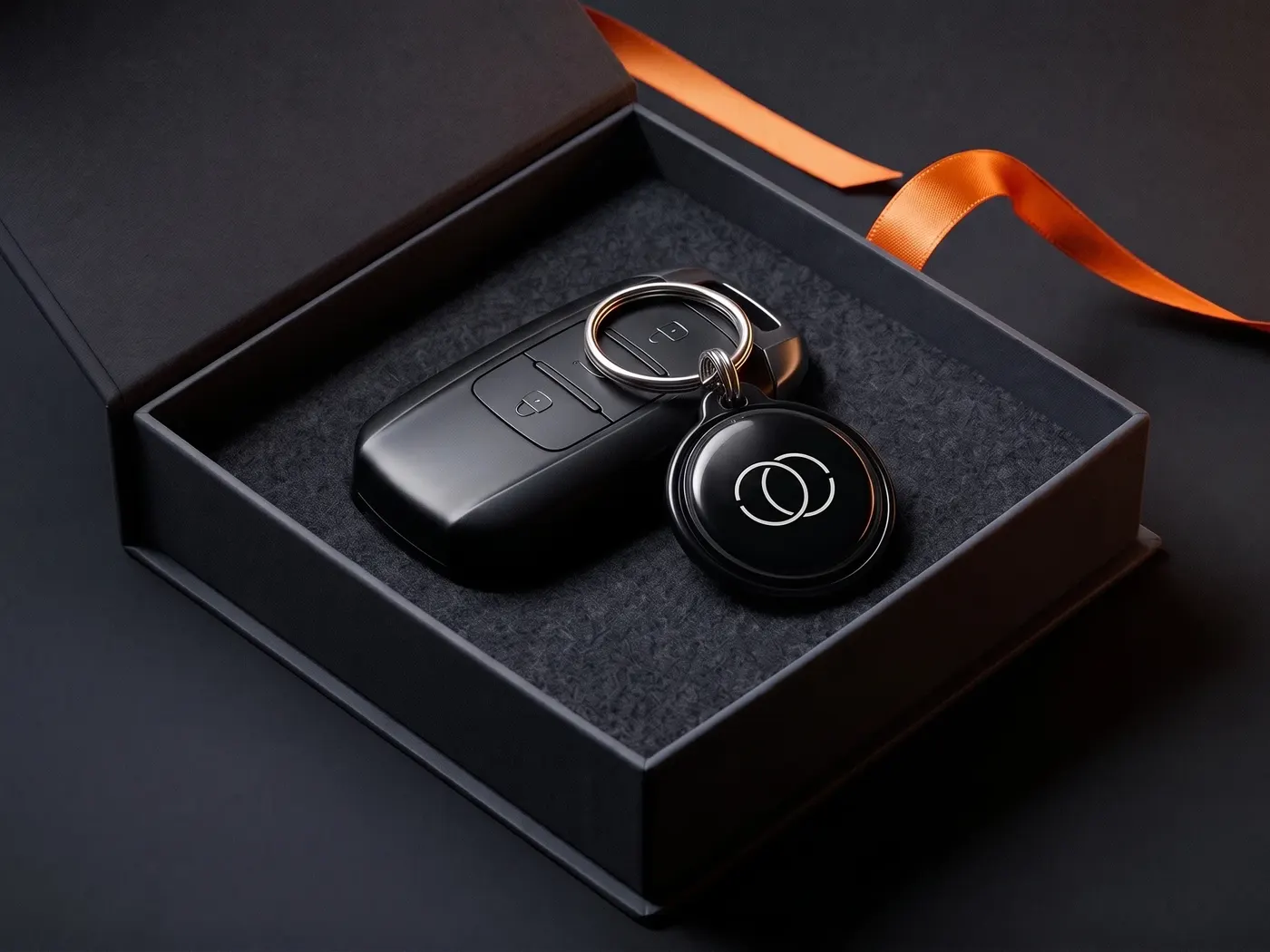
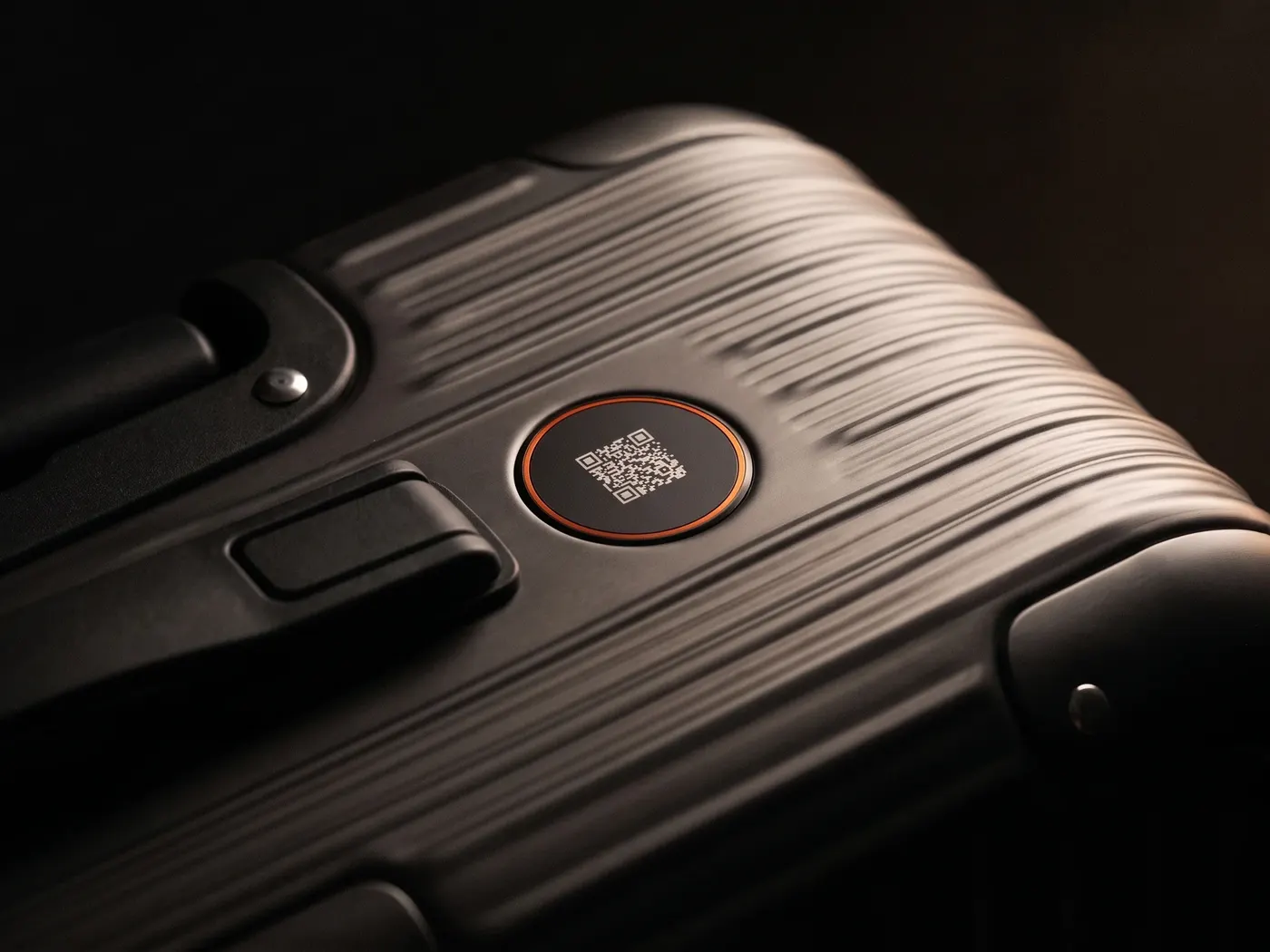
SilentLink IDs connect finder and owner by call or message — your number stays private. On the car, on luggage, on the keyring.
Privacy
You know the drill: we see what you like here and which ads land — and you see less nonsense in return. Essentials run anyway. Details: privacy policy.