

For your wrist · emergency wristband
RescueID Emergency wristband with QR code — emergency notes & contacts
In an emergency, helpers reach your family — instantly.
Currently sold out
Not available right now.
The RescueID is sold out at the moment. Sign up below — we’ll let you know as soon as it’s back.
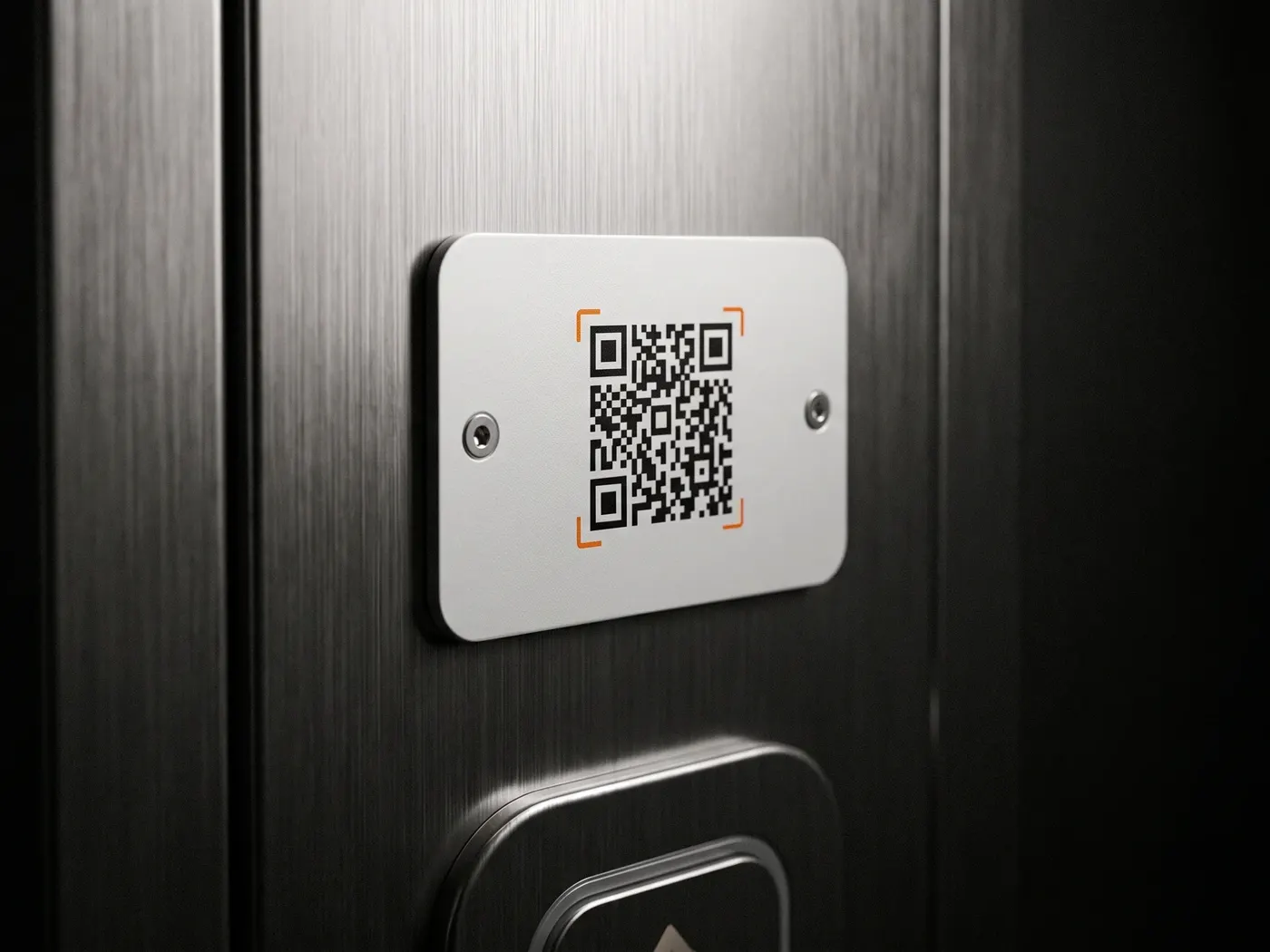
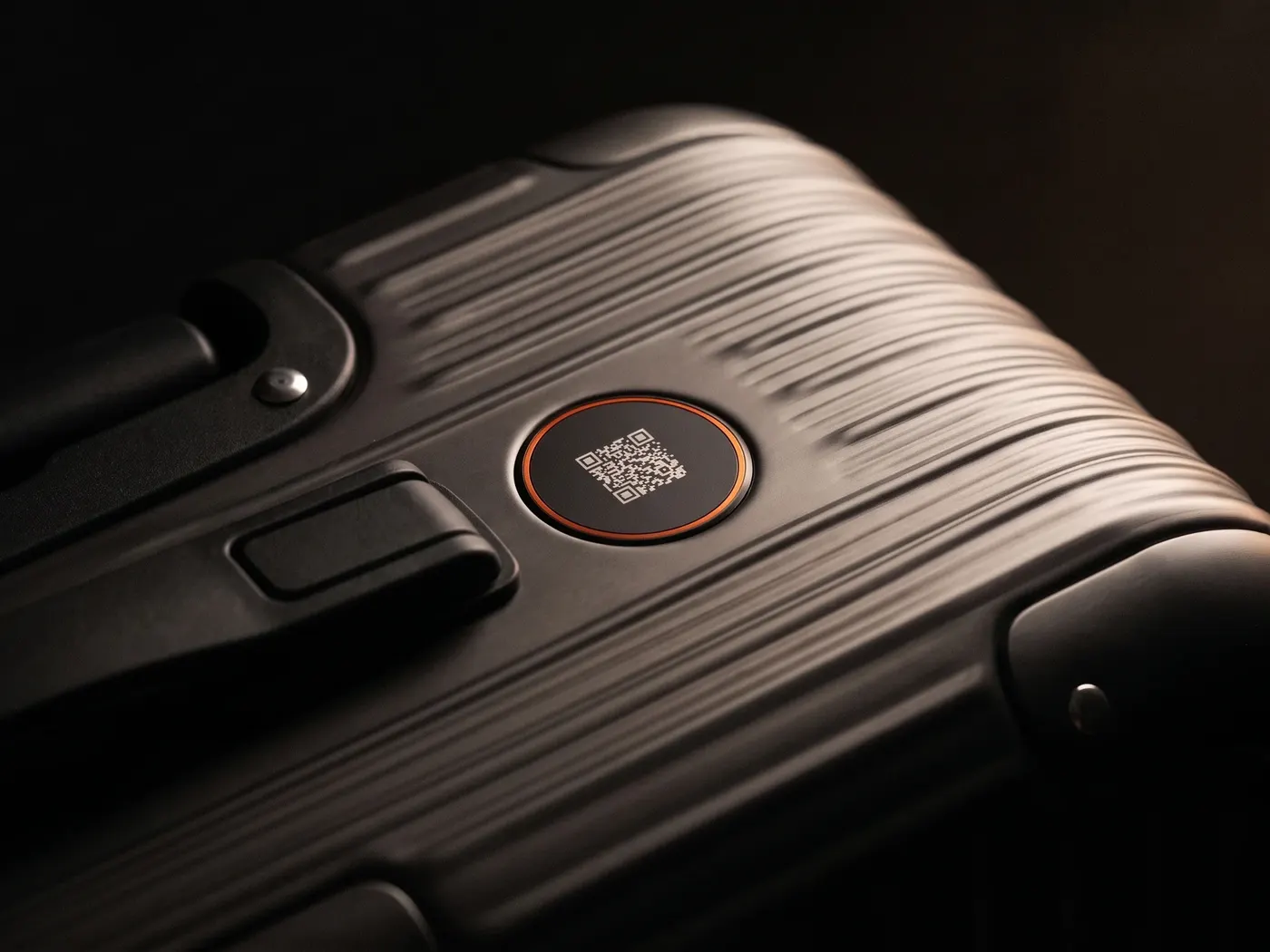
The emergency wristband with a QR code for when it matters: a first responder scans the code with their phone camera, sees the emergency notes you've saved — allergies, pre-existing conditions, whatever matters right now — and reaches the contacts you've set: partner, parents, best friend. Without an app, without unlocking your phone. The RescueID complements the emergency call, it doesn't replace it.
€24.99
Back in stock soonOne-time — no recurring costs
Volume pricing from 2 pcs · incl. VAT
Notifications via WhatsApp and email included for good.
We use your details only for the notification — no newsletter, no spam.
- One scan reaches the contacts you've set — without unlocking your phone
- With your location — your family knows right away where you are
- Worn on the wrist — there when your wallet and phone aren't
- Emergency notes at a glance: allergies, pre-existing conditions, medication — you decide what helpers see
- Complements the emergency call, doesn't replace it — in an emergency: call 112 first
What's included & how to attach
1× RescueID wristband, 1× activation card with your personal code, quick-start guide. Put on the wristband, scan the code, add your emergency contacts and channel — ready to go in under two minutes, no app.
Shipping & returns
As soon as the RescueID is available, we ship it with DHL from Germany. Order on a business day by 2:00 pm and it goes out the same day. Free shipping from €30. 30-day returns as long as the RescueID hasn't been activated. For defects, the statutory two-year warranty applies.
Does it work with every phone?
Yes. Whoever scans the RescueID needs neither an app nor an account, just their phone camera. Your notifications arrive via WhatsApp or email, and you can switch them at any time in your dashboard. Works worldwide.
Are there any running costs?
No. The RescueID costs €24.99 once. After that, there are no further costs. Notifications via WhatsApp and email are included for good.
Does the RescueID replace the emergency call?
No, and it's not meant to. In an emergency the rule is always: call 112 first. The RescueID takes over the step after that — it lets your family know that something has happened, and where. Exactly the call that otherwise often comes only hours later, because no one knew whom to dial.
Try it now: free QR
There's no live demo of the RescueID yet. But with the free QR code to print at home, you can try the platform today. Notified by email, ready in two minutes.
How it works
Someone helps you. Your family finds out right away.
Anyone who helps a person calls the emergency number first. After that, they often wonder who else they should let know. With the RescueID on your wrist, a quick scan is all it takes.
-
The helper calls the emergency number
In an emergency, the rule is always: call 112 first. The RescueID does not replace the emergency call.
-
They scan the RescueID
With their phone camera. They see your emergency notes, such as allergies, and write briefly what has happened.
Your family gets the message
Via WhatsApp or email, with the location.
Ready in two minutes
Put it on. Activate. Reachable.
You wear the RescueID as a wristband or as a tag. You don't need any tools or an app.
-
Step 01
Put it on.
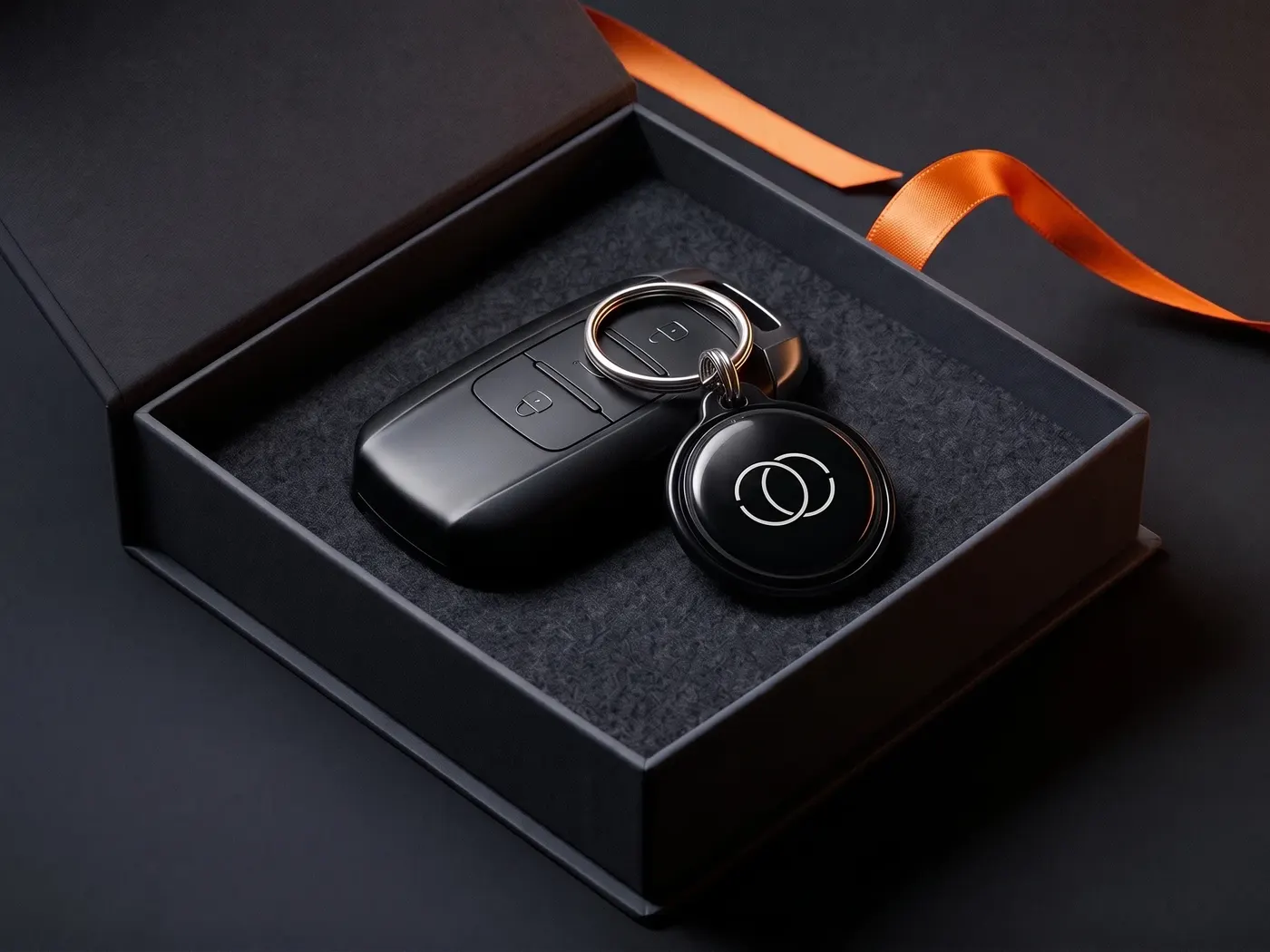
Put on the wristband or attach the tag to your keyring. The RescueID needs no battery.
-
Step 02
Activate.
Scan the RescueID once yourself, enter the code from the enclosed card and add your emergency notes and contacts.
Step 03
Be reachable.
From now on, helpers can reach your family, even if your phone is locked or not with you at all.
Works with any smartphone, worldwide.
Activation ≈ 02:00 min · no app · with location
Quality
There when you've got nothing on you.
When you go running, cycling or hiking, your phone and wallet often stay at home. You wear the RescueID on your body. It has no battery and needs no connection and no device of yours: the helper scans it with their own phone.
- No battery · no app
- Not a medical device · complements the emergency call
- Developed in Germany
After your purchase
€24.99 once. After that, it costs nothing.
Notifications via WhatsApp and email are included for good, across all your IDs.
Our answers
Frequently asked questions about the RescueID, the emergency wristband with a QR code.
When will the RescueID be available?
What is an emergency wristband with a QR code, and who is it for?
An emergency wristband with a QR code, often also called a medical ID or SOS bracelet, has no electronics, just a code that any first responder can scan with their phone camera. They then see the notes you've saved, such as allergies, pre-existing conditions or medication, and can reach your emergency contacts without having to unlock your phone. It's useful for anyone who's out on their own, running, cycling or hiking, and for conditions that helpers should know about quickly. It complements the emergency call and never replaces it. For your wallet, there's also our free emergency card to print.
Does the RescueID replace the emergency call?
No, and it's not meant to. In an emergency, the rule is always: call 112 first. The RescueID takes care of the step after that. It lets your family know that something has happened, and where. That's exactly the call that otherwise often comes hours later, because no one knew whom to call.
Whom does a helper who scans the RescueID reach?
Exactly the people you've chosen. In the dashboard, you decide who gets the message, via WhatsApp or email.
Why not just use the emergency info on your phone?
The emergency info on your phone is useful if it's kept up to date and a helper finds it. In practice, both often fail: the phone is locked, the info is empty, and the way to open it differs from device to device. The RescueID sits visibly on your wrist and always works the same way: point the camera at it, done.
Does the RescueID store health data?
Only what you choose to save. In the dashboard, you keep your emergency notes, such as allergies, pre-existing conditions or medication, and that's exactly what a helper sees after scanning. Nothing is printed on the wristband itself, and you can change or delete the details at any time.
Are there any ongoing costs?
No. The RescueID costs €24.99 once, with no further costs after that. Notifications via WhatsApp and email are included for good, across all your IDs.
Product safety
Manufacturer, identification, warnings.
Mandatory information under Article 19 of the EU General Product Safety Regulation (EU) 2023/988.
- Manufacturer
- SilentLink UG (haftungsbeschränkt) Heinz-Fangman-Straße 2–6, 42287 Wuppertal, Deutschland info@silentlink.de
- Product
- SilentLink RescueID, QR emergency contact point as a wristband, alternatively as a tag
- Type
- Passive QR carrier without electronics or battery
- Safety information
- Complements the emergency call, it does not replace it. In an emergency: call 112 first, then scan.
- Not a medical device. No substitute for medical care, an emergency ID card or a medication plan.
- The stored information only becomes visible if a helper scans the code and a mobile network is available.
- Do not let infants and toddlers wear wristbands unsupervised: risk of strangulation.
- Not a toy. Contains small parts. Keep away from children under three years.
The next step
The RescueID is coming to your wrist. You'll be the first to know.
Sign up and we'll let you know as soon as it's available. Until then, the DriveID and TravelID lead the way, and later all IDs will run through one account.