
Note with a number
Number in the open
- Write down your number and leave it in the open
- Fades in the sun, smears in the rain
- Every time your number changes: rewrite it
Your private number is on show for everyone, permanently.
Ships from Germany · 1–2 business days
Sold out · back soon
Free · Print it yourself · Done in two minutes
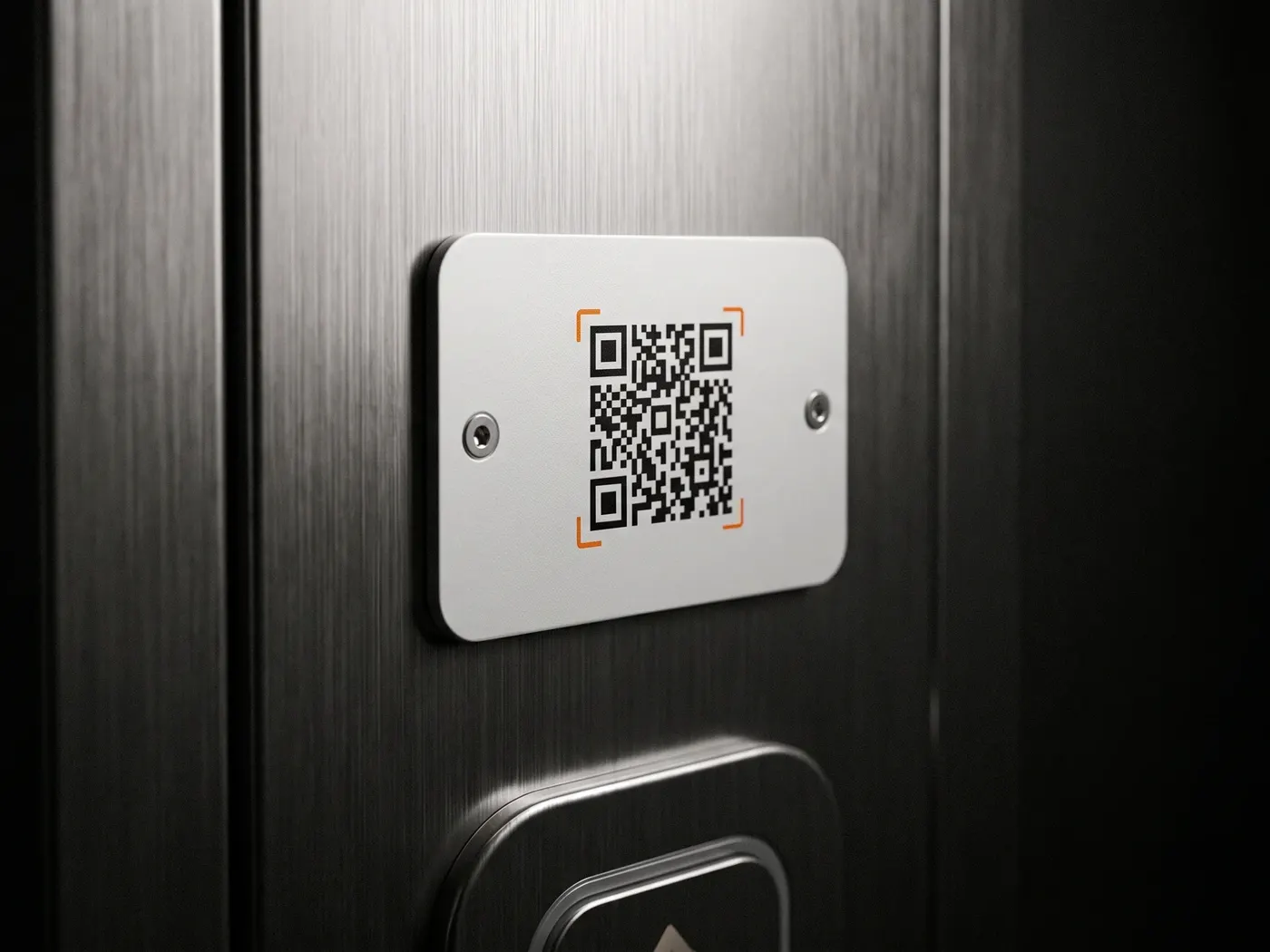
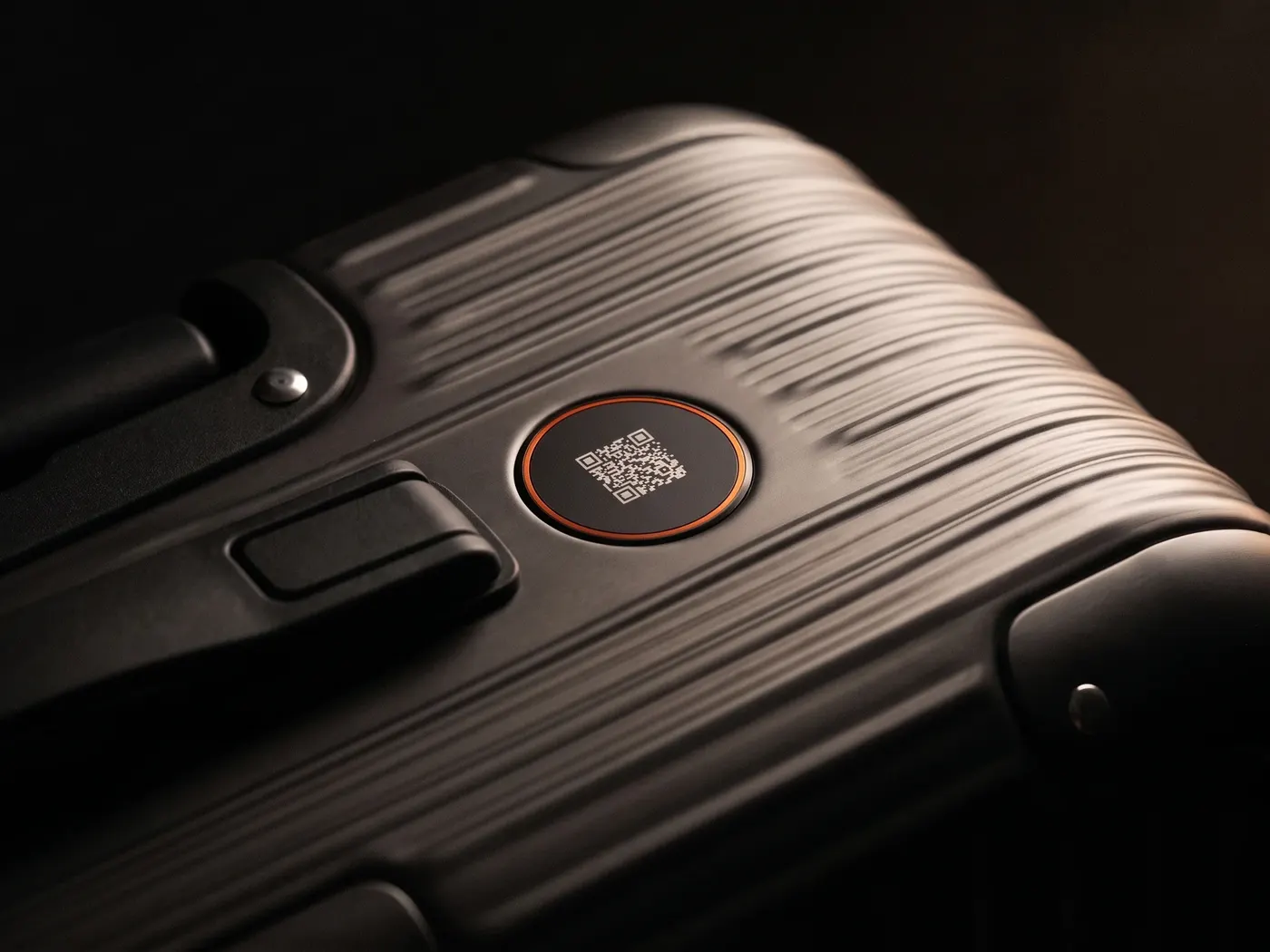
Create your personal QR code, print it out and place it where it's needed: behind the windscreen, on your suitcase, in your wallet. Whoever scans it reaches you — and you get an email right away.
KFZ-Halter kontaktieren
DriveID · 54 × 86 mm Scan ≈ 00:02 min
How it works
No payment method, no fine print — just your email address and a printer.
Step 01
Open the Free-QR assistant and add your email address — that's where we'll send your messages later. Your personal QR code is ready in about two minutes.
Step 02
Print the code on ordinary paper and place it where it's needed: behind the windscreen, on the luggage tag, in your wallet. Rule of thumb: at least 3 × 3 cm, dark print on a light background.
Step 03
Someone notices something, scans the code with their ordinary phone camera and drops you a line — the message lands in your email inbox right away.
Works with any smartphone, worldwide.
100% free · email is enough · no subscription
How you find out
Whoever scans your code sees a small page with a single question: What's this about? Tap the topic, write a line, send — no app, no account, the phone camera is all it takes.
You get the message right away by email — with everything you need to know. And your printout carries no phone number and no address: anyone who wants to help reaches you all the same.
 Email · Now
Your lights are still on — just wanted to let you know.
Email · 4 min agoYour suitcase is still on the belt in Terminal 1.
Email · 12 min agoFound a wallet — where can I drop it off?
What people use it for
One printout, many places: whoever notices or finds something almost always wants to help — usually all that’s missing is a simple way to reach you. The code is exactly that way.
The difference
The classic way to be reachable is a note with your number. It works — with side effects.
Note with a number
Number in the open
Your private number is on show for everyone, permanently.
With the Free-QR
≈ 2 min
Just as reachable — without your number on show.
The same reachability, no exposed number — and the code stays valid no matter how often your details change.
Questions & answers
Yes, forever. Create it, print it, use it — no subscription, no payment method, no hidden costs. The Free-QR runs on the same platform as our products; notifications come by email.
Just your email address — where we'll send the messages from your finders — and a printer. You're done in about two minutes.
Ordinary paper and a standard printer are enough. Rule of thumb: at least 3 × 3 cm, a dark code on a light background. For your wallet, just trim it; laminating or a clear sleeve extends its life considerably.
A small page with a question: What's this about? Tap the topic, write a message, send — no app and no account. The person scanning doesn't get to see your email address or your phone number. You can take a look right now in the live demo.
Our QR code generator creates static codes with fixed content — Wi-Fi, business card, bank transfer. The Free-QR is something else: a contact point. Whoever scans it reaches you through our platform, and you're notified by email right away.
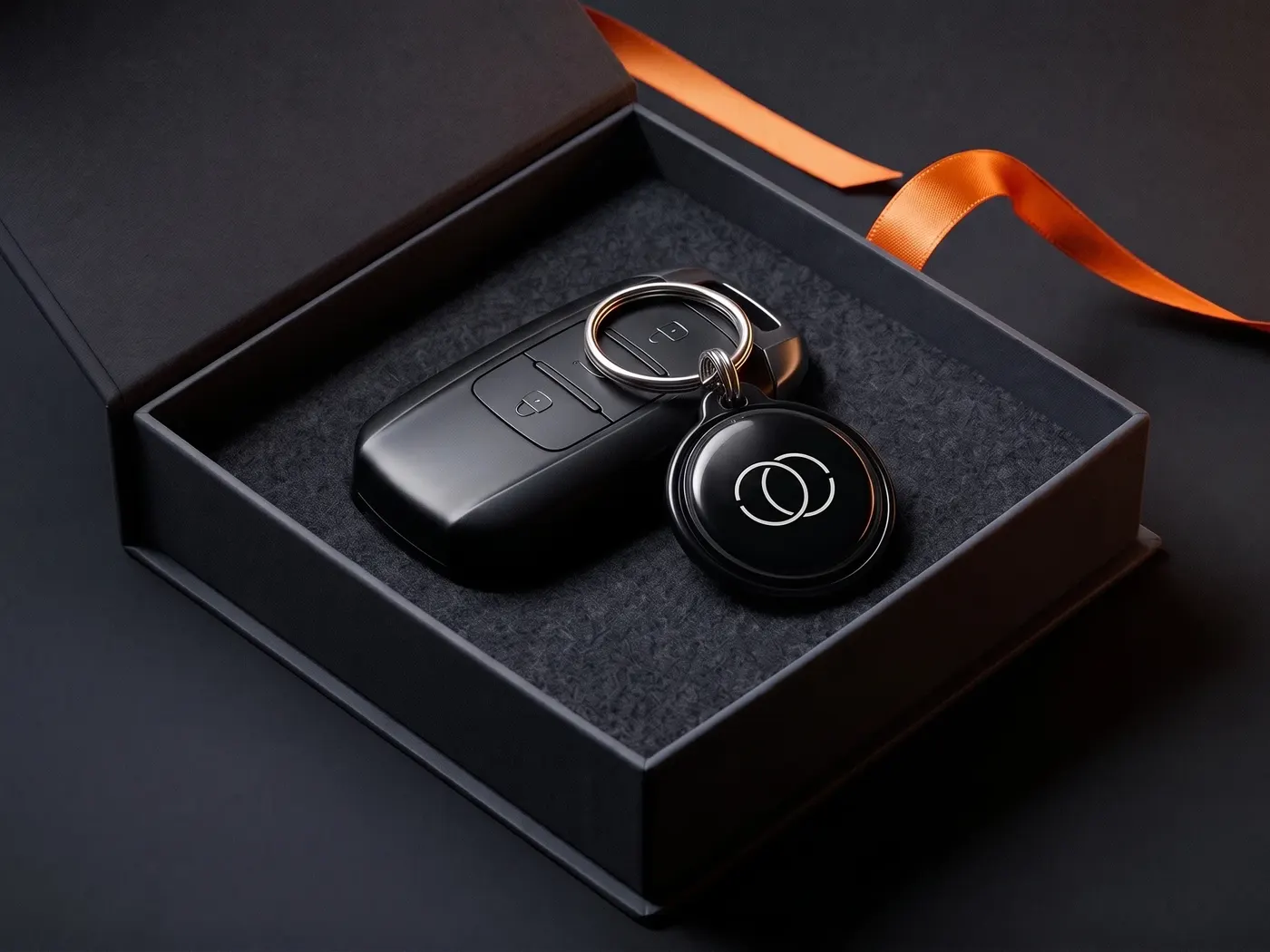
Paper is a good start — the DriveID is built to last: weatherproof behind the windscreen, it withstands summer heat and winter frost, also notifies you by WhatsApp — optionally by SMS — and even relays calls on request, without your number becoming visible. A one-time €24.99, and the Starter plan stays free.
Anytime. DriveID, TravelID, PetID, KeyID and RescueID run on the same platform — once the printout shows you how well reachability works, the weatherproof ID from €24.99 simply takes over its job.
Your way in
The world is full of honest people. Give them a way to reach you — free, by email, starting today. And when paper isn't enough anymore, the DriveID is ready.
Privacy
You know the drill: we see what you like here and which ads land — and you see less nonsense in return. Essentials run anyway. Details: privacy policy.