

01 Flea Market & Sales
No change problem
Set up the code at your stand — buyers pay the amount straight from their phone. You don't have to count change or hand out your number.
Ships from Germany · 1–2 business days
Sold out · back soon
Free · No sign-up
Enter your PayPal.me name, optionally set an amount — whoever scans lands directly at the payment to you. Handy for flea markets, club funds and split bills.
Step 1 · What should your code do?
Step 2 · Fill in
Opens your PayPal.me link — you can preset the amount.
Step 3 · Appearance
All optional — the code works fine as it is.
Example preview · 25×25
Fill in the fields on the left — your code appears as you type.
100% local · No data transfer · Unlimited and free
How it works
Step 01
If you haven't already: in the PayPal app under Profile → PayPal.me, set up your personal link — it takes a minute and is free.
Step 02
Enter your PayPal.me name (the part after paypal.me/). Optionally set an amount and the currency — the payer can still change it if needed.
Step 03
Print the code or put it on your phone — at the stand, at the checkout, on the invitation. Whoever scans pays in seconds.
Where the PayPal code pays off
01 Flea Market & Sales
Set up the code at your stand — buyers pay the amount straight from their phone. You don't have to count change or hand out your number.
02 Club & Group
A joint gift, team kitty, class trip: send the code to the group or put it up — everyone pays their share and you keep track.
03 Tips
Fewer and fewer people carry cash. A code at the counter or on the table makes tipping possible again — with a suggested amount.
Questions & Answers
Just a PayPal.me link. You set it up for free in the PayPal app: Profile → PayPal.me → choose a name. The code here then links directly to your payment page.
In the PayPal app or at paypal.me — there you'll see your link in the form paypal.me/yourname. In the generator you only enter the part after the slash.
Yes, including the currency (EUR, USD, GBP or CHF). The amount is then already filled in at payment — it can still be changed, for example to round up.
The QR code itself is completely free. Normal PayPal terms apply to the payment: payments to friends and family in the same currency are usually free, while the usual PayPal fee applies to goods and services.
For payments to a bank account there's the GiroCode: it fills in a SEPA transfer in the banking app — with no PayPal account at all.
By the way
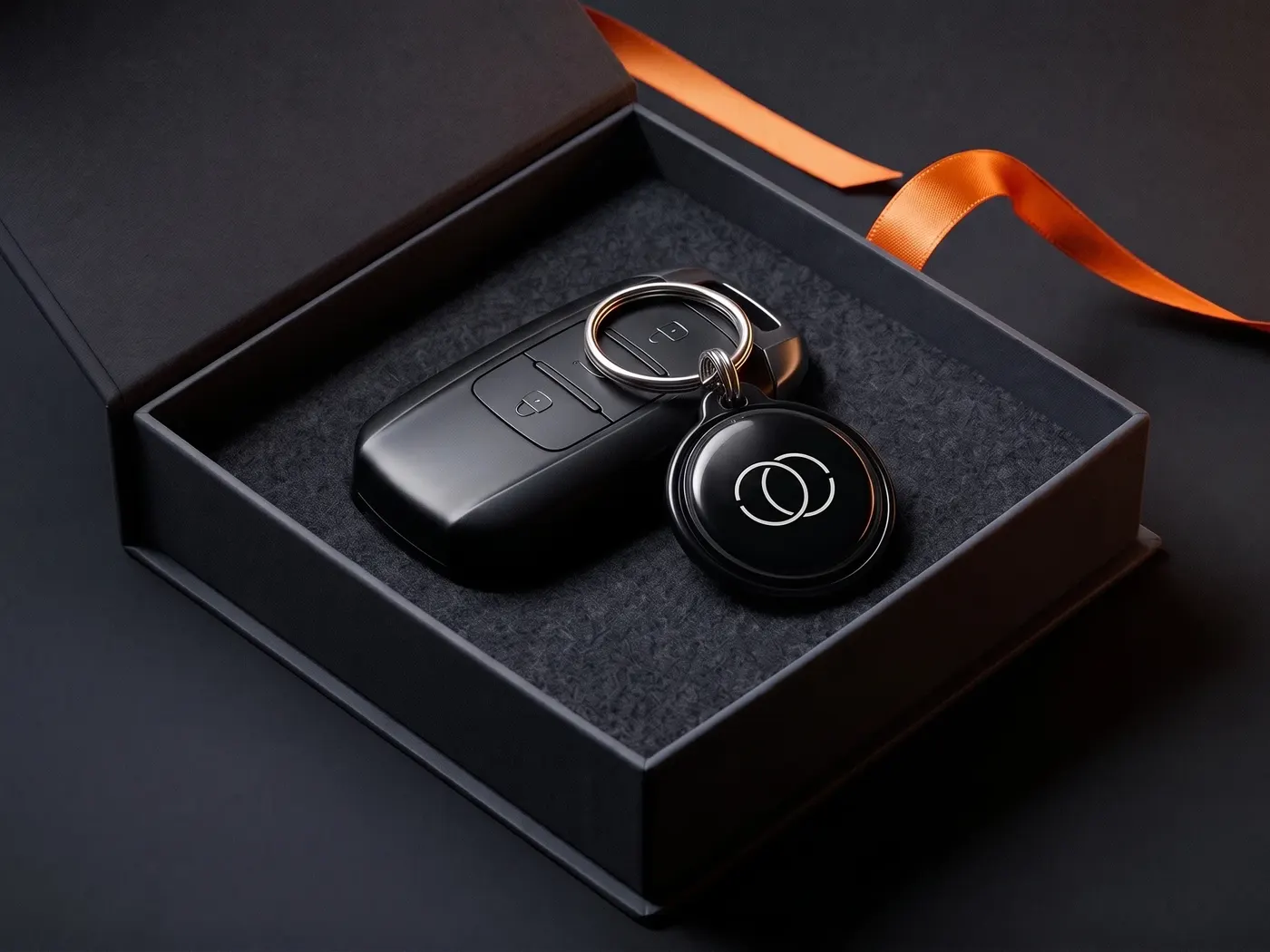
The DriveID connects finder and owner in seconds — by call or message, your number stays private. The world is full of honest people. We make it easy for them.
Privacy
You know the drill: we see what you like here and which ads land — and you see less nonsense in return. Essentials run anyway. Details: privacy policy.