

01 Business Card
The back does its part
Your name on the front, the code on the back. Instead of retyping your card (or losing it), the person across from you saves the contact in two seconds.
Ships from Germany · 1–2 business days
Sold out · back soon
Free · No sign-up
Enter name, number and email, download the code, put it on a business card, flyer or in your email signature — whoever scans has you in their address book. No retyping, no transposed digits.
Step 1 · What should your code do?
Step 2 · Fill in
Your business card to scan: the contact lands straight in the address book.
Step 3 · Appearance
All optional — the code works fine as it is.
Example preview · 25×25
Fill in the fields on the left — your code appears as you type.
100% local · Your contact details never leave the browser
How it works
Step 01
Only the name is required — phone, email, company, position, website and address come along when you want to share them.
Step 02
Company logo in the middle, colors to match the brand — or simply black on white. Either way, the code stays reliably scannable.
Step 03
Print it on the back of your business card, hang it at your trade-show booth or add it to your email signature. One scan, and the person across from you has you saved.
Where the vCard code pays off
01 Business Card
Your name on the front, the code on the back. Instead of retyping your card (or losing it), the person across from you saves the contact in two seconds.
02 Trade Shows & Networking
At the booth, on your name badge or as a slide at the end of your talk — prospects save you while they're still standing in front of you.
03 Signature & Résumé
In your email signature or on your résumé: whoever scans you off the screen has your details on their phone — no copy-and-paste across devices.
Questions & Answers
A standard format for contact details that every smartphone understands. When a vCard is in the QR code, scanning opens "Add contact" directly — with all fields filled in.
Yes. After the scan the phone shows the finished contact; the person across from you just taps "Save". This works on iPhone and Android, with no extra app at all.
Name, company, position, phone number, email, website and address. Only the name is required — everything else is optional.
The content is fixed in the code — if your details change, you simply create a new code for free. So for printed cards it's worth checking beforehand that the details are up to date.
Yes, completely — no account, no subscription, no watermark. Your contact details aren't uploaded; the code is created in your browser.
By the way
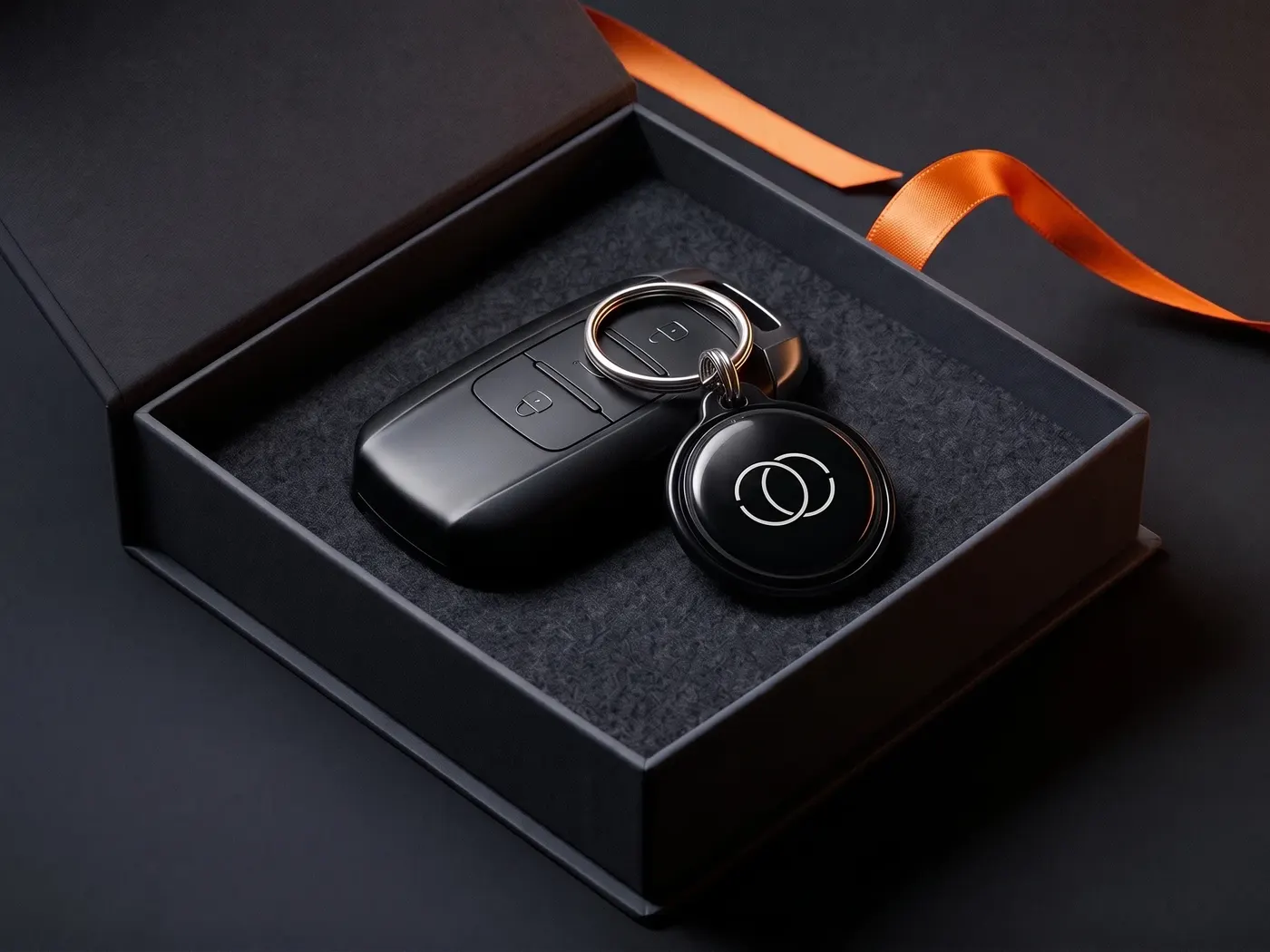
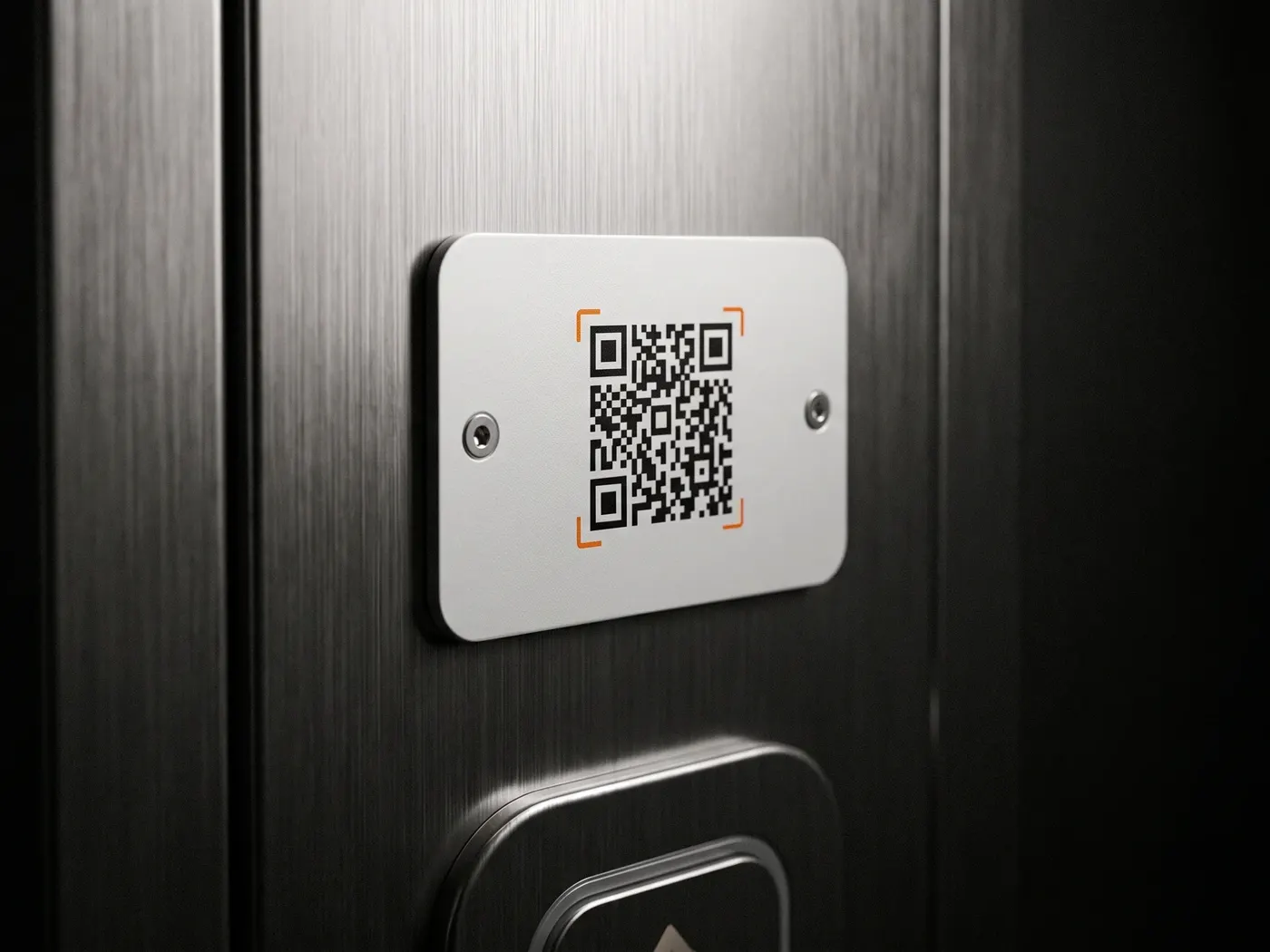
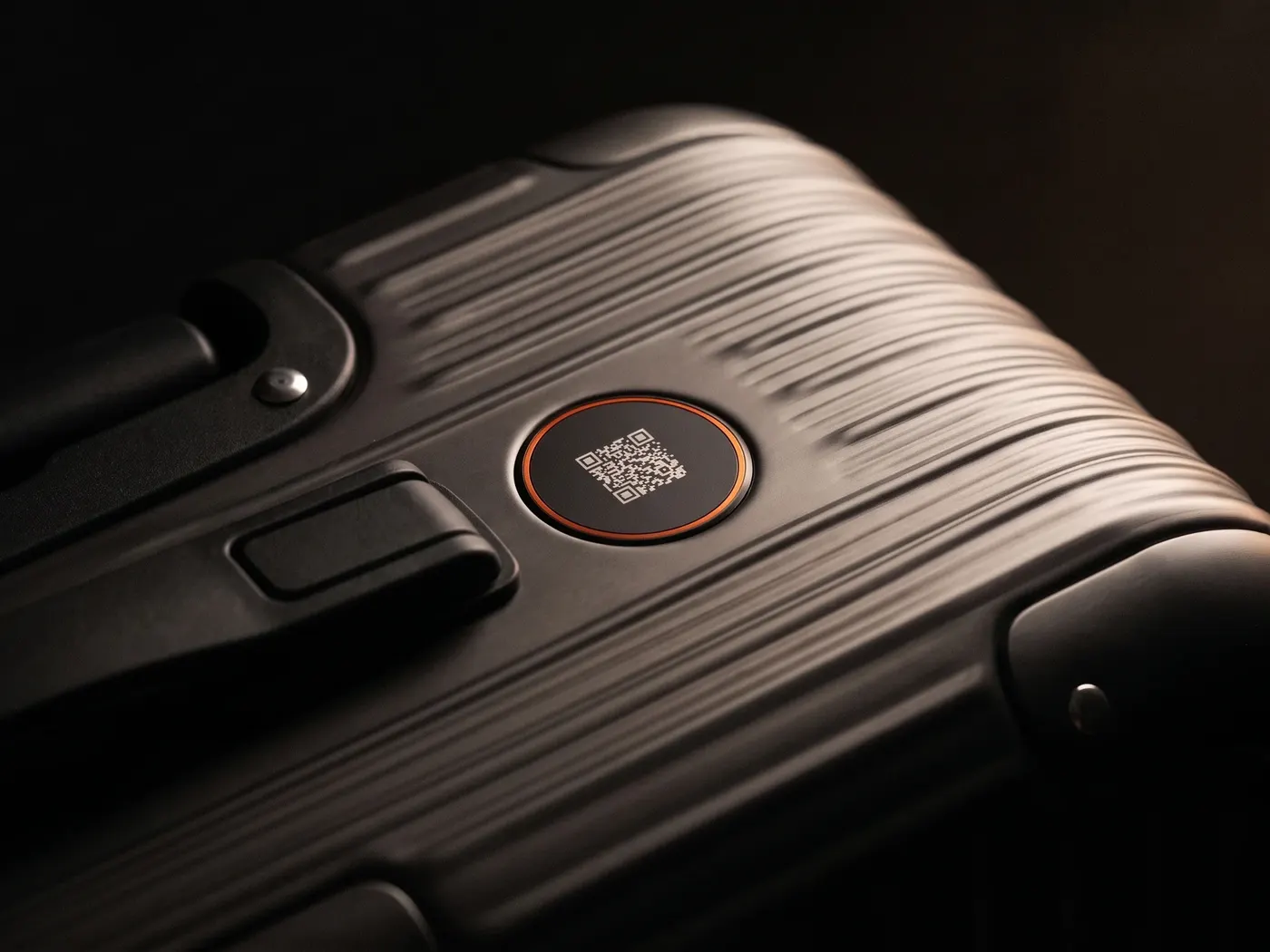
SilentLink IDs connect callers and owners without your number becoming visible — on the car, on luggage, on the keyring. The world is full of honest people. We make it easy for them.
Privacy
You know the drill: we see what you like here and which ads land — and you see less nonsense in return. Essentials run anyway. Details: privacy policy.