


01 Home
Visitors asking for the Wi-Fi?
The code in a picture frame — instead of hunting for the note and spelling out "capital B, lowercase x, exclamation mark". Put it up once, peace forever.
Ships from Germany · 1–2 business days
Free · No sign-up
Enter your network name and password, download the code, print it — done. From now on no one spells out your Wi-Fi password anymore. And because the code is created right in your browser, your password is sent nowhere.
Step 1 · What should your code do?
Step 2 · Fill in
Guests scan the code and they're on the Wi-Fi — no one types a password anymore.
Step 3 · Appearance
All optional — the code works fine as it is.
Example preview · 25×25
Fill in the fields on the left — your code appears as you type.
100% local · Your password never leaves the browser
How it works
Step 01
Enter the network name (SSID) and password — exactly as they appear on your router. The encryption on almost all routers is WPA/WPA2 and is already preset.
Step 02
Save the code as an image. Beforehand you can adjust colors or add your logo — for home use, black on white is perfectly fine.
Step 03
Print it and put it where guests can see it: a picture frame in the hallway, the menu, the fridge in a holiday rental. Point the camera — connected.
Works with iPhone and Android — right from the camera app, no extra app
Where the Wi-Fi code pays off
01 Home
The code in a picture frame — instead of hunting for the note and spelling out "capital B, lowercase x, exclamation mark". Put it up once, peace forever.
02 Café & Practice
As a stand on the table or a notice in the waiting room. Guests scan, and your team never has to look up the password again.
03 Holiday Rental
In the guest folder or on the fridge. Your guests are online before the first message reaches you.
Questions & Answers
The code holds the network name, password and encryption type in a standard format that all smartphones understand. When scanned, the phone offers to connect — one tap, done.
Yes. iPhones (from iOS 11) and practically all Android devices recognize Wi-Fi codes right from the camera app — no extra app needed.
The password sits readable in the code — whoever scans it can see it. So only put the code up where your password is allowed to be: it's ideal for guest Wi-Fi, but not for the company's main network. Important: this generator doesn't transmit your password — it stays in your browser.
Then you simply create a new code here for free — otherwise the old one connects no one anymore.
Yes. When creating it, tick "Hidden network", and the phone will find your Wi-Fi even when the name isn't broadcast.
Nothing. No account, no limit, no watermark — create, download, done.
By the way
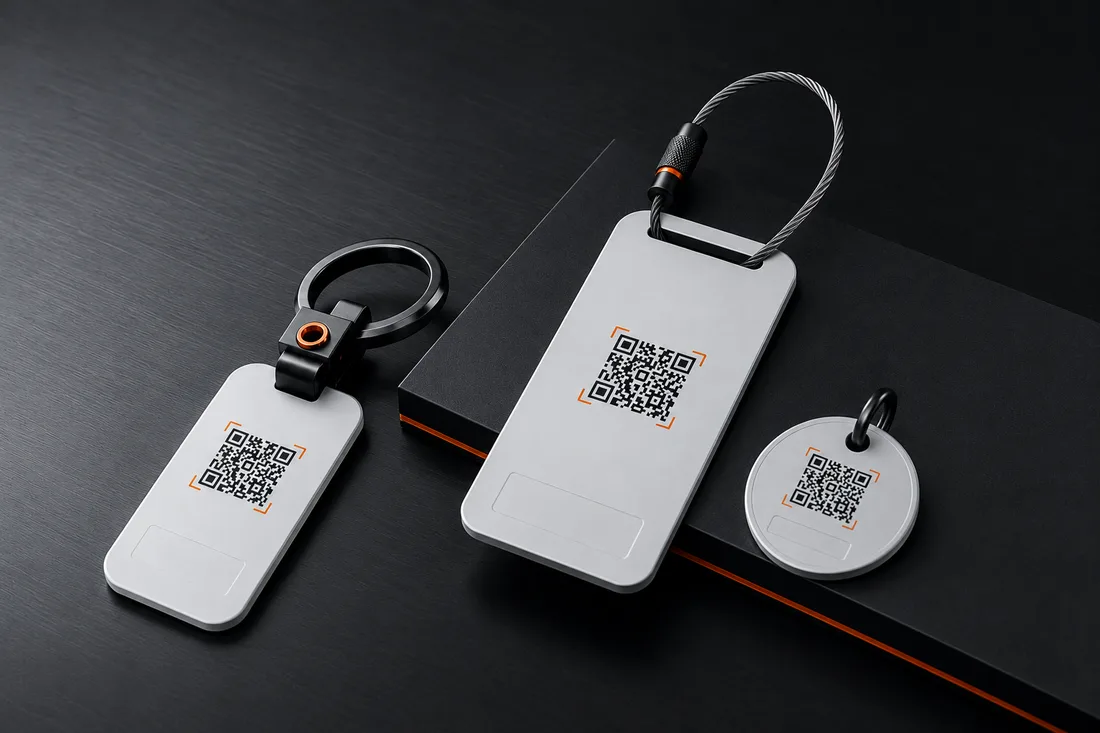
The DriveID connects finder and owner in seconds — by call or message, your number stays private. The world is full of honest people. We make it easy for them.
Privacy
We’d like to understand how our site is used and steer our advertising sensibly. Essential functions work without any tracking. Details in the privacy policy.