


01 Hospitality & Retail
Ask in the best moment
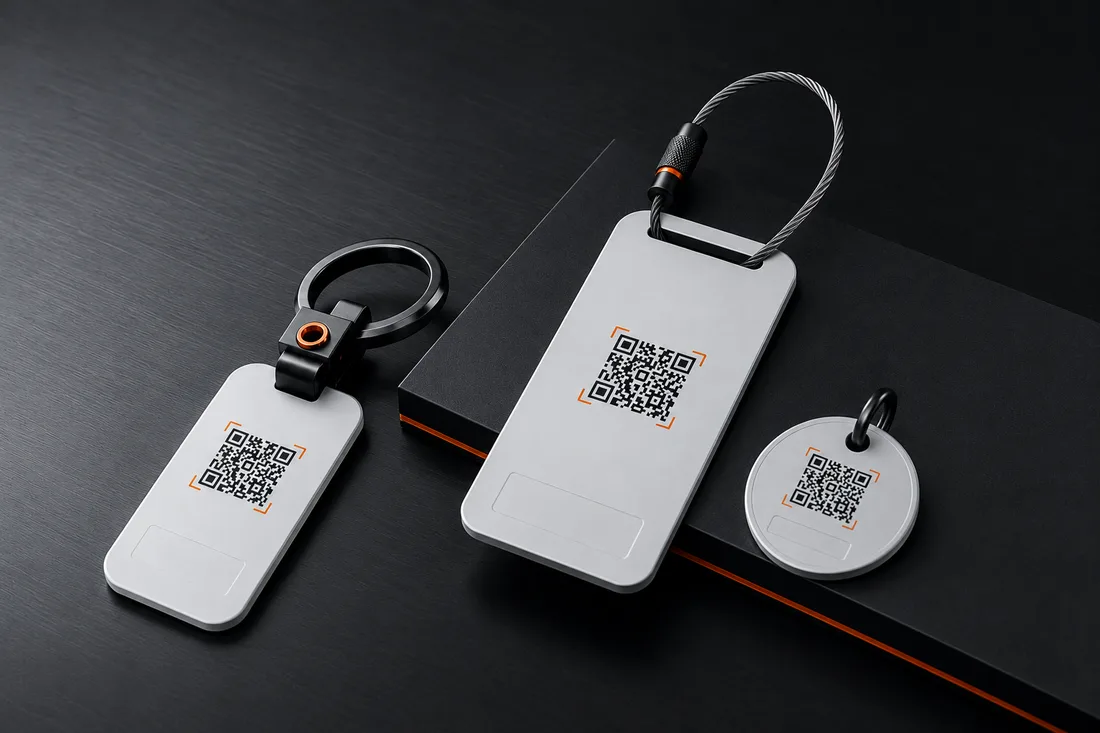
A stand on the table or a code on the receipt: guests review while the food still tastes good — not later, when they'd have to search for the profile at home.
Ships from Germany · 1–2 business days
Free · No sign-up
Happy customers would gladly leave a review — and give up trying to find your profile. This code opens the review window directly: scan, write, done. All you need is your business's Place ID.
Step 1 · What should your code do?
Step 2 · Fill in
Leads straight to the review window of your Google profile.
Step 3 · Appearance
All optional — the code works fine as it is.
Example preview · 25×25
Fill in the fields on the left — your code appears as you type.
100% local · No data transfer · Unlimited and free
How it works
Step 01
Google provides the "Place ID Finder" for this (search for "Place ID" on developers.google.com): type in your business name, copy the ID. It usually starts with "ChIJ".
Step 02
Paste the Place ID — the code appears instantly. With your logo in the middle, customers see at a glance where the scan leads.
Step 03
At the counter, on the receipt, at the table or on the door — best of all where the visit just went well. The scan opens the review window directly.
Where the review code pays off
01 Hospitality & Retail
A stand on the table or a code on the receipt: guests review while the food still tastes good — not later, when they'd have to search for the profile at home.
02 Trades & Services
A code on the invoice or business card: the satisfied customer reviews right after sign-off — exactly when satisfaction is highest.
03 Practice & Studio
Reviews are the strongest local ranking signal on Google. A notice in the reception area turns happy visitors into visible recommendations.
Questions & Answers
Fastest via Google's "Place ID Finder" (search for "Place ID" on developers.google.com): enter your business name, click the suggestion, copy the ID. It looks something like this: ChIJN1t_tDeuEmsRUsoyG83frY4.
The Google review window for your business opens directly — the customer doesn't have to search for you first and can rate and write right away.
Yes, asking is explicitly allowed. Not allowed under Google's policies: offering rewards for reviews or deliberately steering only happy customers to review.
Yes — as long as your Google Business Profile exists, the Place ID stays valid. The code itself never expires and costs nothing later either.
No. The camera app is enough — the link opens in the browser or in Google Maps, depending on the device.
For businesses
SilentLink builds points of contact for businesses: from a service reporting point to a white-label product with your own brand.
Privacy
We’d like to understand how our site is used and steer our advertising sensibly. Essential functions work without any tracking. Details in the privacy policy.