

01 Reachability
Phone number up front
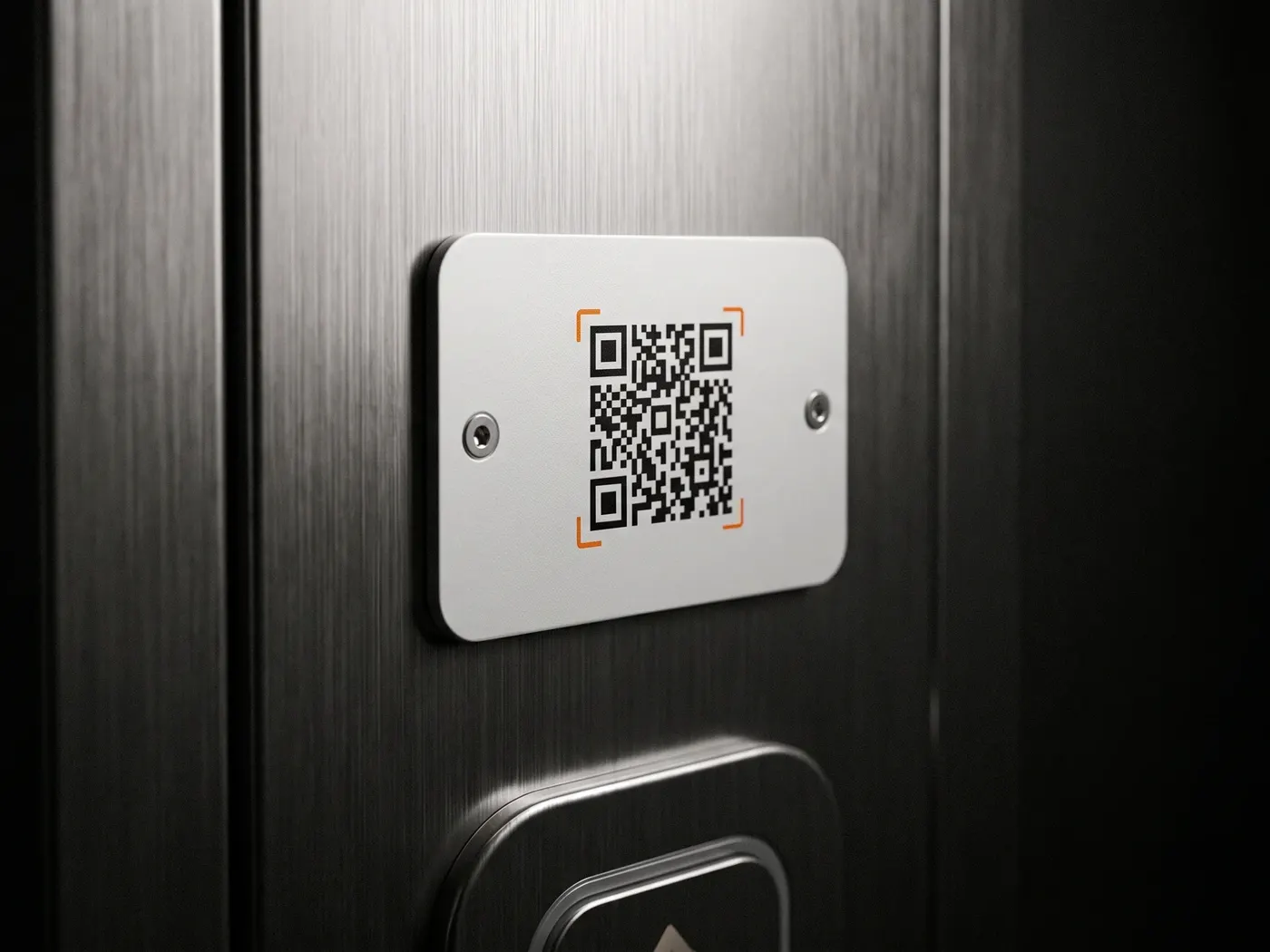
Whoever finds a suitcase wants to see quickly who they can reach. That's why the number is displayed large on the front — plus a QR code for a call with one scan.
Ships from Germany · 1–2 business days
Sold out · back soon
Free · No sign-up · Instant PDF
Enter your name, phone and optionally a short note — and you've got a luggage tag with a front and back to cut out. With a QR code if you like: whoever finds your suitcase scans it and calls you directly. And because everything is created in your browser, your data never leaves your device.
Step 1 · Contact details
Preview · add name and phone
Runs entirely in your browser — your entries are never uploaded.
100% local · No upload · Free with no limits
How it works
Step 01
Enter your name and phone number — that's already enough. You can add an email, your city or a short note, but you don't have to.
Step 02
Save it as a PDF in A4 format. The sheet contains the front and back of the tag — with a QR code that lets finders call you directly with one scan.
Step 03
Cut it out, punch a hole at the eyelet and attach it to your suitcase with a strap. Glue both sides back to back or laminate them so the tag survives the trip.
Tip: laminating protects against rain and abrasion on the baggage belt
So your bag finds its way back
01 Reachability
Whoever finds a suitcase wants to see quickly who they can reach. That's why the number is displayed large on the front — plus a QR code for a call with one scan.
02 Data protection
A name and one way to reach you is enough. Your full address doesn't belong openly on the suitcase — at most, put it on the back, which faces the strap.
03 Durability
A printed tag helps right away. But paper goes soggy in the rain and tears on the baggage belt — laminating helps, though it won't last forever.
Questions & answers
Enter your name and phone number, optionally add an email, city and a note, then download it as a PDF and print it. Cut it out, punch a hole, attach it to your suitcase with a strap — done.
Yes, completely. No account, no subscription, no watermark and no limit — as many tags as you need.
A name and a phone number are enough. For privacy reasons, you shouldn't make your full home address openly visible — it tells strangers you're away. The QR code is handy because finders can call without typing everything out. In short: your name and one way to reach you — never your full home address on the outside.
The QR code contains your phone number. Whoever scans it with their camera is shown the call option directly — no app, on iPhone and Android.
To a degree. Laminated, it can take a fair bit, but paper goes soggy when wet and tears on the baggage belt. For lasting protection there's the TravelID, the digital luggage tag with QR code and NFC — more on that below.
When the tag needs to survive the trip
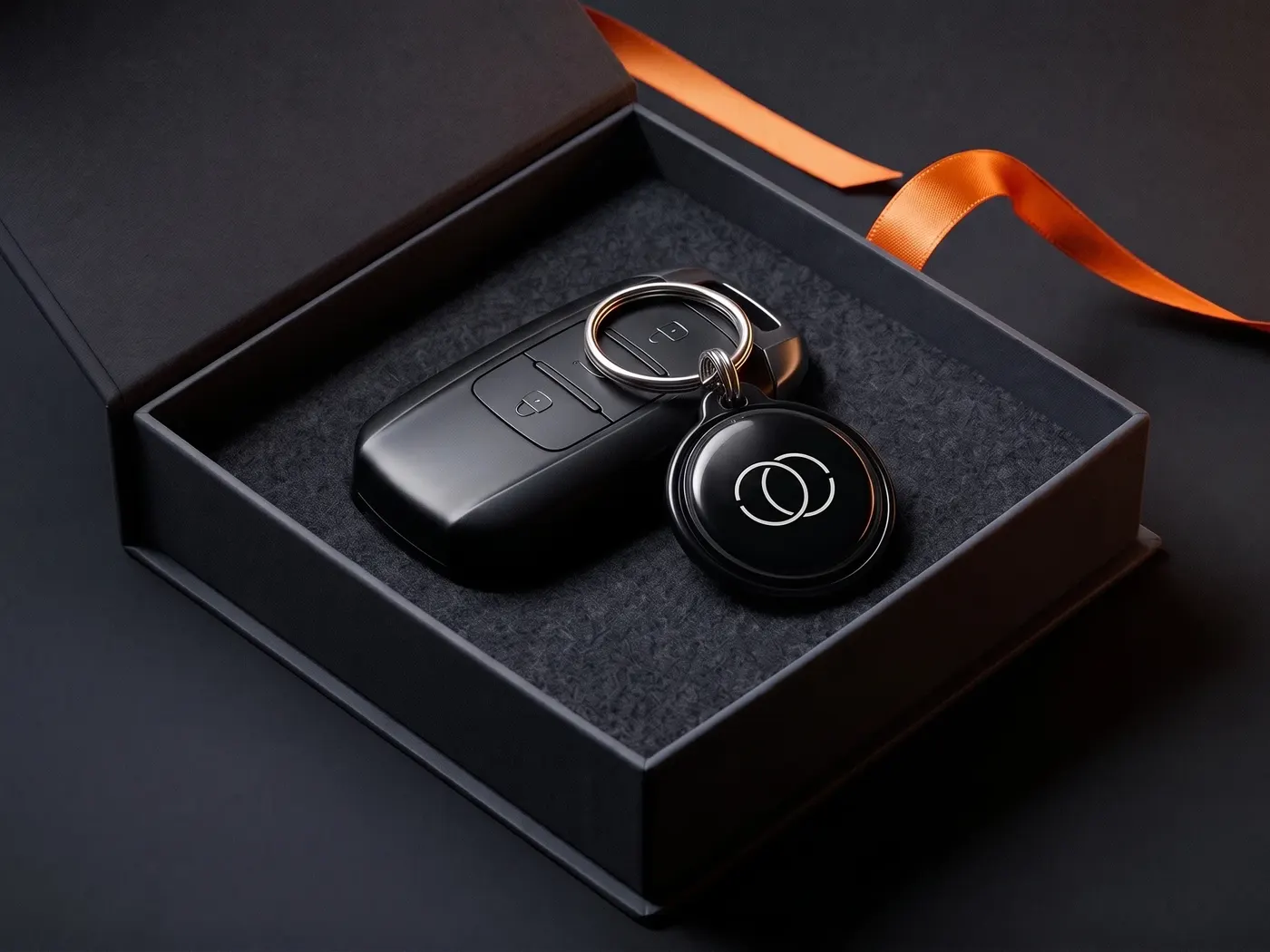
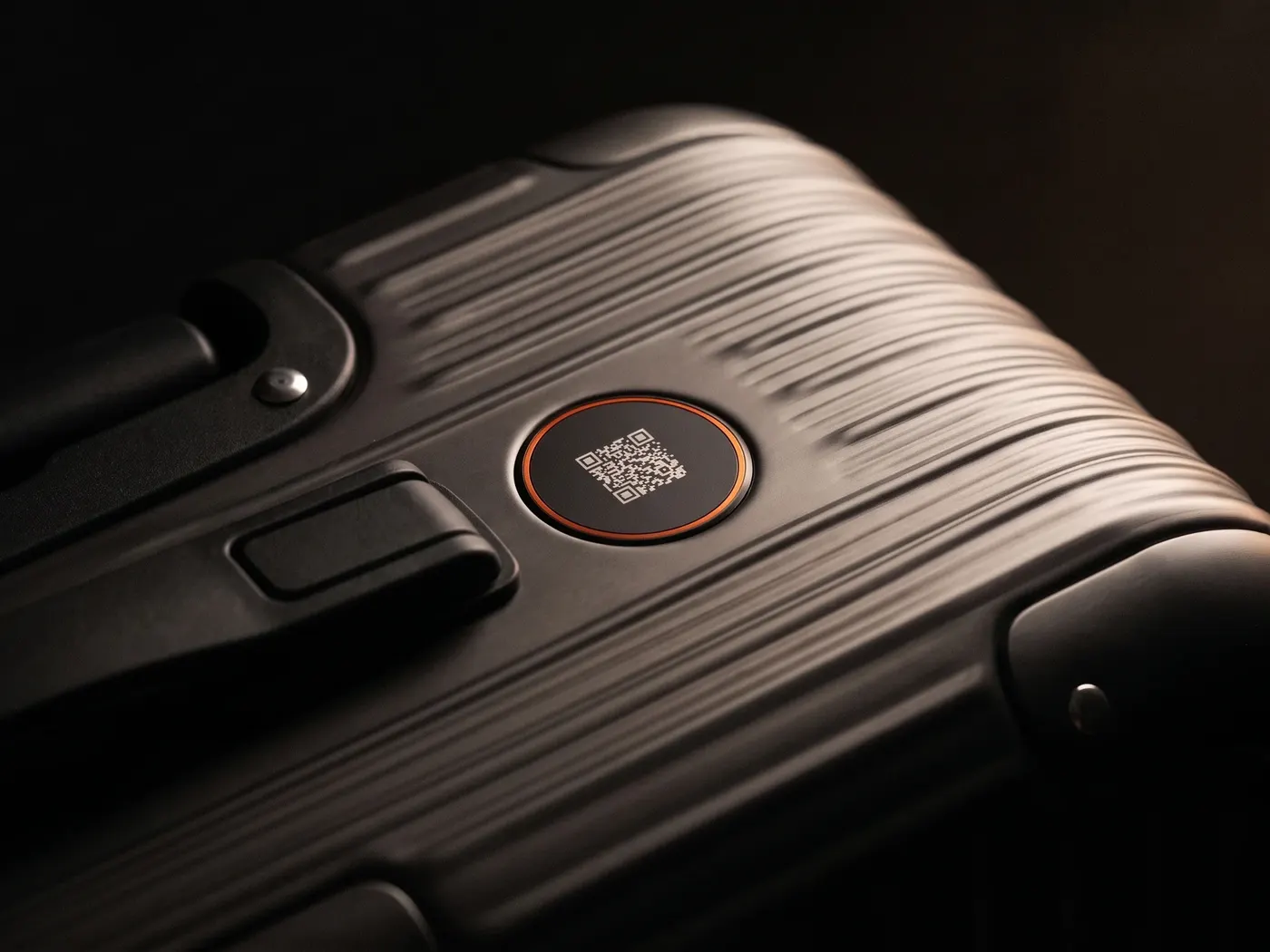
The TravelID is the digital luggage tag with QR code and NFC — weatherproof, with no address on your luggage: whoever scans it reaches you by call or message, without your number ever being visible. You can change the channels anytime; the tag stays the same. The world is full of honest people. We make it easy for them.
Privacy
You know the drill: we see what you like here and which ads land — and you see less nonsense in return. Essentials run anyway. Details: privacy policy.