


← Klartext Business
Report a Fault by QR Code: How "Doesn't Work" Becomes a Usable Report
Updated SilentLink-Team ≈ 3 min read
Key points
- Most fault reports fail twice: first at the barrier (who to call?), then at the content ("doesn't work" — which device, where, what exactly?). A reporting point on the device solves both in the same step.
- A usable report consists of four parts: device, location, topic, photo. Three of them the QR code on the device can already bring along — the person only answers the question of what's the matter.
- Rollout is no IT project: define topics and recipients per location of use, attach the tags, done. Whoever can operate a smartphone can report — no app, no account, no training.
There are two kinds of fault report, and both create work. The one never arrives in the first place — why that is, we’ve taken apart in the article “Why Faults Go Unreported”. The other arrives and is still barely usable: “The machine in the entrance area doesn’t work.” Which entrance area, which machine, what does “doesn’t work” mean — display dark, coin stuck, product jammed? Before the technician can set off, the back-and-forth ping-pong of follow-up questions begins. Sometimes they just set off and find on site that the spare part is back in the warehouse.
Both — the missing and the unusable report — have the same cause: reporting demands from the reporter knowledge they don’t have and effort they don’t want to spend. That’s why the solution starts at the same point too.
The anatomy of a usable report
A report a service technician can work with consists of four parts: which device, which location, which topic, what can be seen. The remarkable thing about this list: three of the four parts are already fixed before the fault even happens. Device and location don’t change, and the possible topics of a coffee machine (“fault”, “soiling”, “refill”) can be counted on one hand.
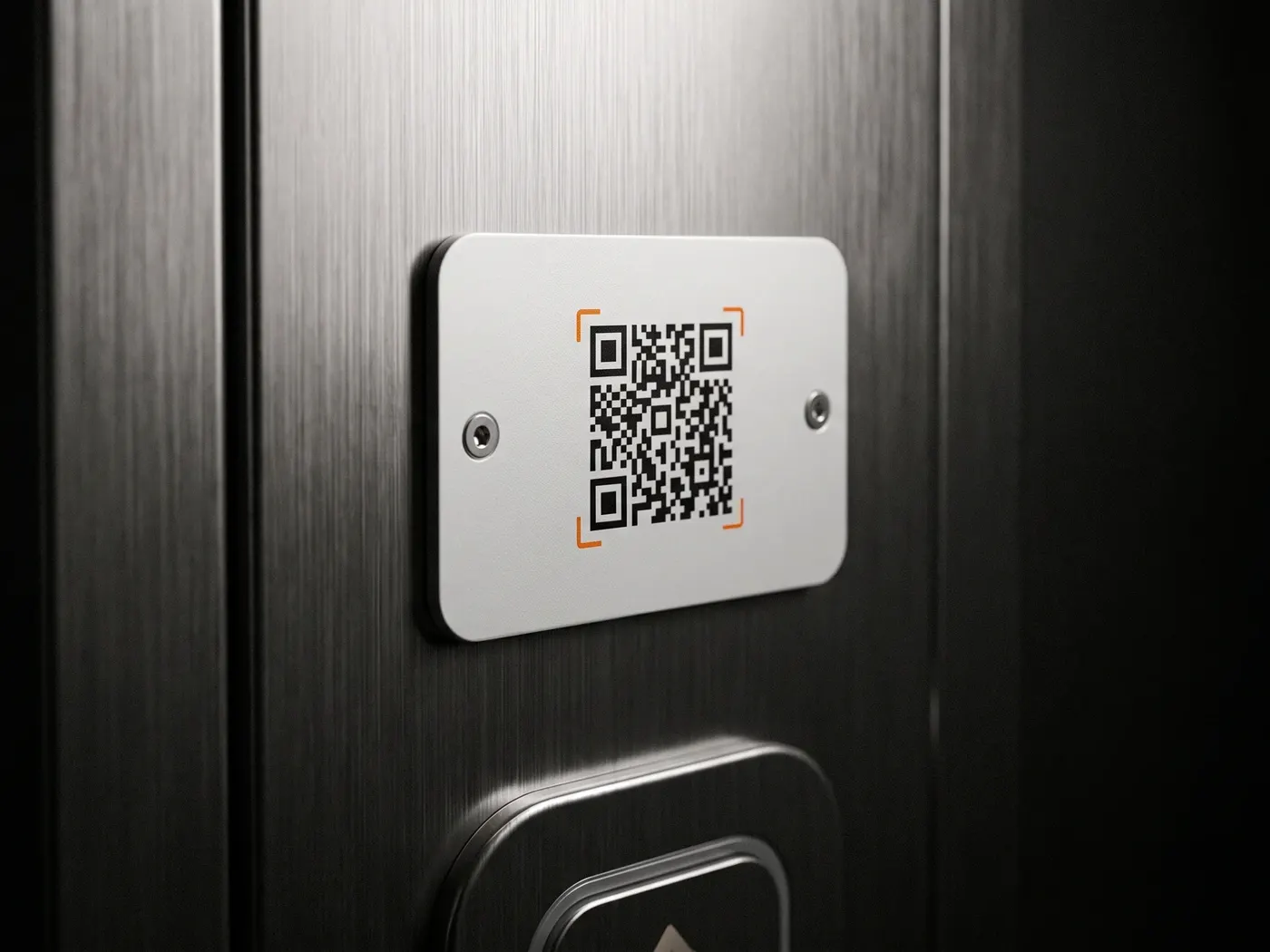
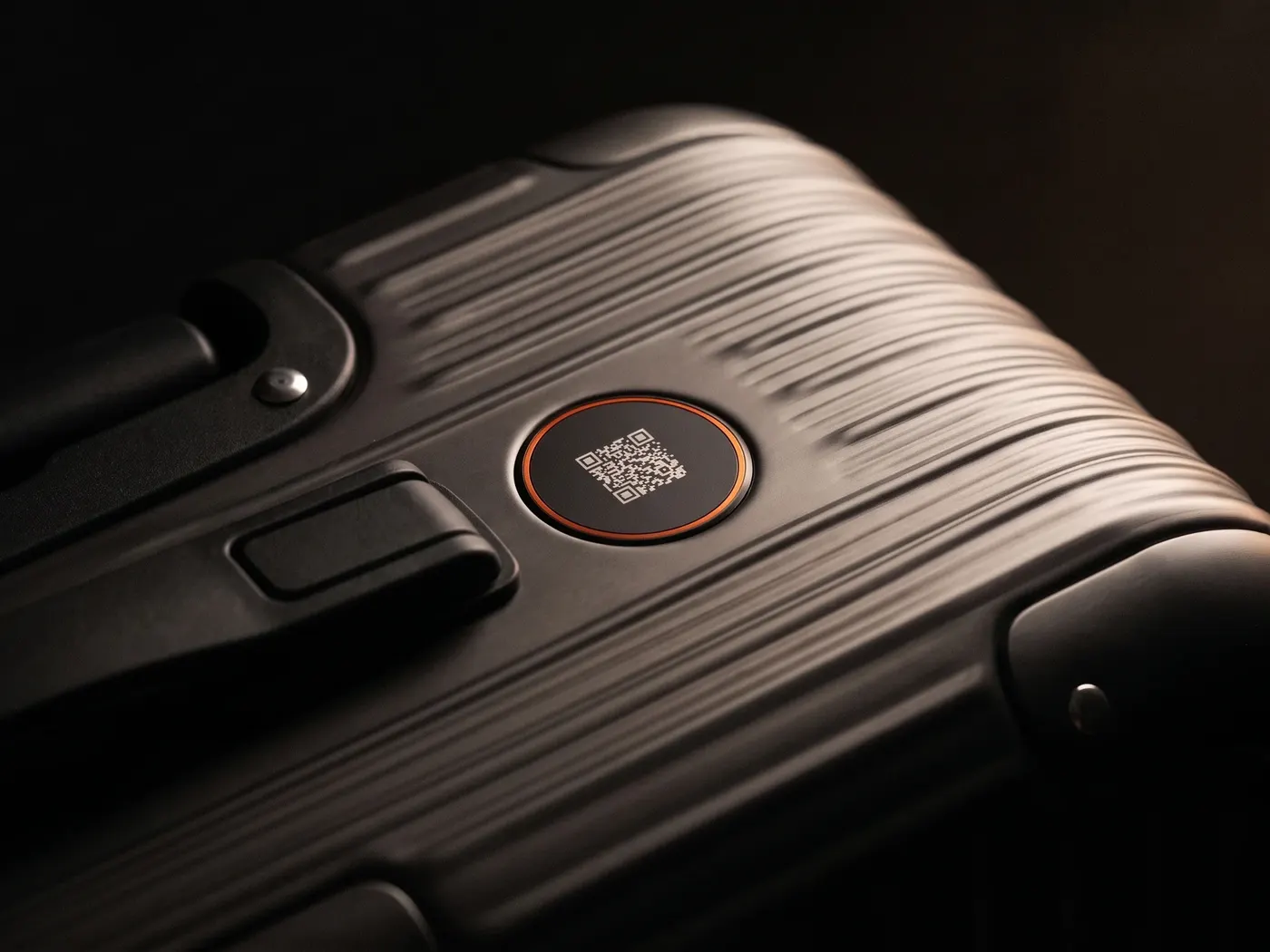
That’s exactly what makes the QR code on the device so effective: it carries the first two answers within it and offers the third for selection. Whoever scans gets no empty text box and no shared hotline, but a single question — What’s the matter? — with the topics stored for exactly this device. Add a photo, send, done. The report reaches the responsible channel fully and unambiguously assigned: coffee machine K-12, 3rd floor west, fault, photo attached.
The difference from the hotline isn’t a matter of degree but of category: the hotline demands that the reporter describe what they see. The reporting point only asks them to confirm what the system already knows.
Routing: every report to the right place
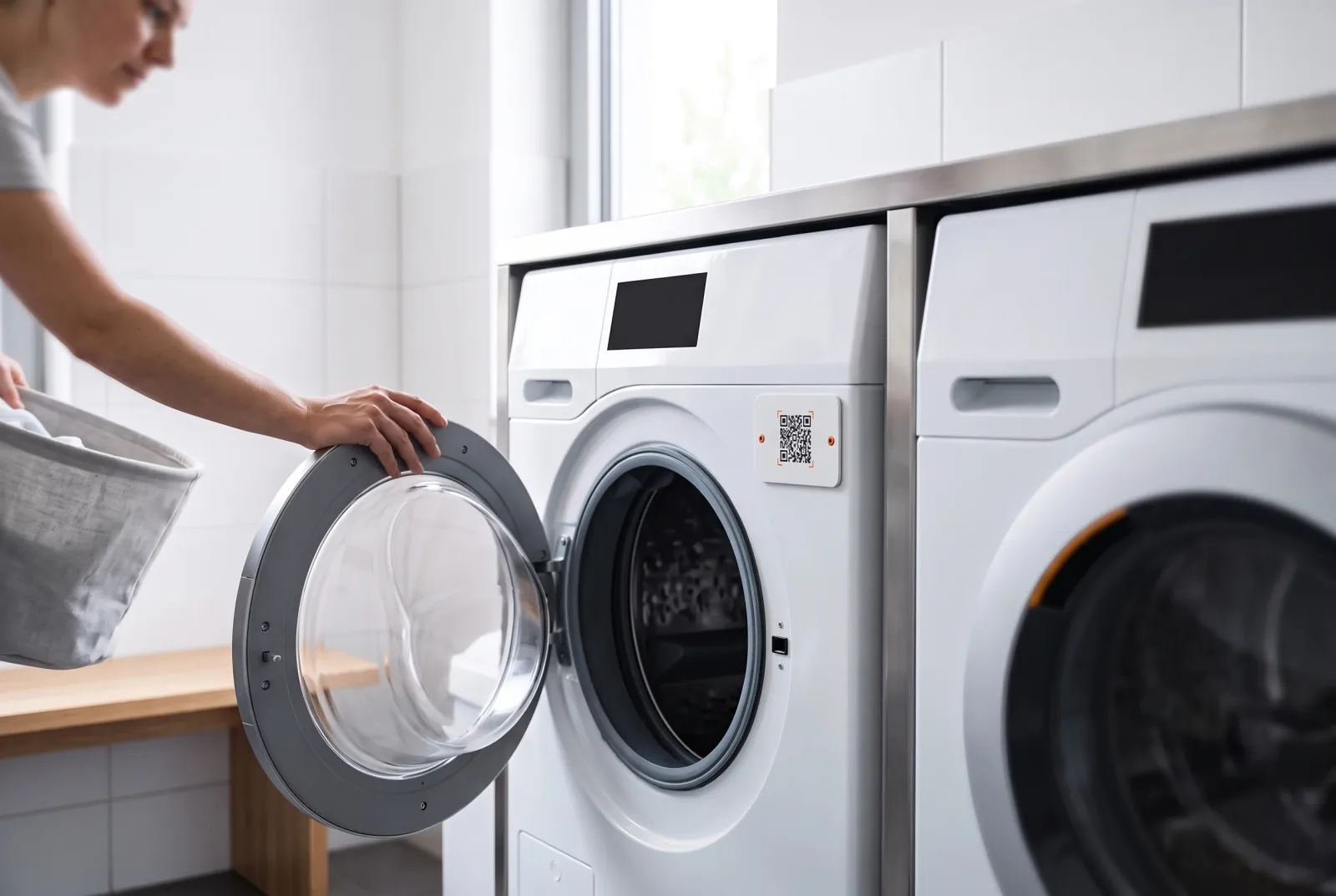
The second lever is in the recipient. A shared inbox for “everything technical” only creates the next sorting job — and reports that fall between responsibilities get left lying. It’s more sensible to decide the routing at the reporting point itself: the lift reports to the maintenance contractor, the washroom to cleaning, the coffee machine to the vending operator — each with its own topics and, where needed, several recipients or time windows. For the reporter, nothing changes: they scan what’s in front of them. The question of responsibility, on which hotline reports fail, the system has already answered.
Rollout: why this is no IT project
The most common worry with “digitising defect reporting” is the project effort: interfaces, training, rollout communication. The honest answer: a reporting-point system of this kind doesn’t touch the existing IT landscape at all to begin with. There’s nothing to install — neither for the reporter (ordinary phone camera) nor in the company (reports arrive in the teams’ inboxes). Rollout consists of three steps: define topics and recipients per location of use, have the tags produced, attach them. At manageable sites this is done in an afternoon — and the existing processes behind it (ticketing system, contractor management) stay untouched.
Three practical rules for the start, so the afternoon pays off:
- Placement beats completeness. Better to equip the twenty devices with the most frequent faults — at eye level, where the gaze wanders in the event of a fault — than every device in the building behind the maintenance flap.
- Few topics, clear words. “Fault”, “soiling”, “refill” are almost always enough. Every additional topic is one more decision the reporter has to make.
- Respond visibly. Nothing smothers the willingness to report faster than the feeling of reporting into a void. Where reports visibly lead to repairs, the rate rises on its own.
The benchmark for all of this stays the same as for the handwritten “out of order” note this system replaces: the official route has to be the easiest. One scan, one question, one photo — it doesn’t get less. And it doesn’t need more.
FAQ
Do the reporters need an app or an account?
No. The scan with the ordinary smartphone camera opens a form in the browser — with exactly the topics stored for this device. That's why the reporting route also works with visitors, tenants or passers-by, whom you can neither oblige nor train.
How does the service team know which device it's about?
Every reporting point is uniquely assigned to a device and location. So the report doesn't arrive as "something's stuck somewhere", but as "coffee machine K-12, 3rd floor west, fault, photo attached" — the technician arrives prepared instead of to guesswork.
What about devices outdoors?
Reporting points for outdoors have to withstand weather and UV light long-term — with ServiceID, the tags are designed for it. Placement also matters: at eye level, where the gaze wanders anyway when there's a fault, and not behind the maintenance flap.