
For your wrist · emergency wristband
RescueID
In an emergency, helpers reach your family — instantly.

Emergency contact reach
RescueID · for your wrist
The wristband for emergencies: a first responder scans the code with their phone camera, sees the emergency notes you've saved — allergies, pre-existing conditions, whatever matters right now — and reaches the contacts you've set: partner, parents, best friend. Without an app, without unlocking your phone. The RescueID complements the emergency call, it doesn't replace it.
€24.99
Back in stock soonOne-time — no recurring costs
Volume pricing from 2 pcs · incl. VAT
We use your details only for the notification — no newsletter, no spam.
- One scan reaches the contacts you've set — without unlocking your phone
- Up to three recipients at once (Premium): partner, parents, best friend
- Worn on the wrist — there when your wallet and phone aren't
- Emergency notes at a glance: allergies, pre-existing conditions, medication — you decide what helpers see
- Complements the emergency call, doesn't replace it — in an emergency: call 112 first
What's included & how to attach
1× RescueID wristband, 1× activation card with your personal code, quick-start guide. Put on the wristband, scan the code, add your emergency contacts and channel — ready to go in under two minutes, no app.
Does the RescueID replace the emergency call?
No, and it's not meant to. In an emergency the rule is always: call 112 first. The RescueID takes over the step after that — it lets your family know that something has happened, and where. Exactly the call that otherwise often comes only hours later, because no one knew whom to dial.
Does the RescueID store health data?
Only what you deliberately save. In the dashboard you keep your emergency notes — allergies, pre-existing conditions or medication, for instance — and that is exactly what a helper sees after the scan. Nothing is printed on the wristband itself; you can change or remove the details at any time. Everything about the RescueID.
Precisely when you've got nothing on you
Running, cycling, hiking — the RescueID is there anyway.
In precisely the moments of greatest risk, you have the least on you: when you go running the wallet stays home, on a bike tour the phone is buried deep in the backpack — locked anyway. If something happens then, helpers have nothing to go on except what you're wearing on your body.
That's exactly what the wristband is built for: it needs no battery, no connection, no device of yours — the helper scans with their camera, everything else runs through their phone. You don't have to charge anything, unlock anything or carry anything.
How it works
Scan. Relay. Word gets through.
Three steps between the helper and the message reaching your family — none of them needs an app or your unlocked phone.
-
Step 01
One scan, no hurdle.
The phone camera opens a lean page: what's this about? Tap a topic, write briefly, send. In a moment where every minute counts, that's the whole process.
-
Step 02
SilentLink relays — instantly and encrypted.
The message travels via servers in Germany and the EU to the channels you've set. With Premium it reaches up to three recipients at once. The helper never sees a number.
-
Step 03
Your family knows.
Via WhatsApp, email or optionally SMS — with the location as a map link in the message. Follow-up questions travel straight back, and with Premium as a relayed call too.
Important: the RescueID complements the emergency call, it doesn't replace it — in an emergency the rule is always: call 112 first.
Scan ≈ 00:02 min · up to 3 recipients (Premium) · location via GPS
Technical details
The hard facts.
No marketing acrobatics — just what's in the box and how it's built.
- Technology
- QR code to scan with your ordinary camera — the finder page opens entirely without an app or account
- Recipients
- The channels you set — with Premium up to three recipients at once
- Attachment
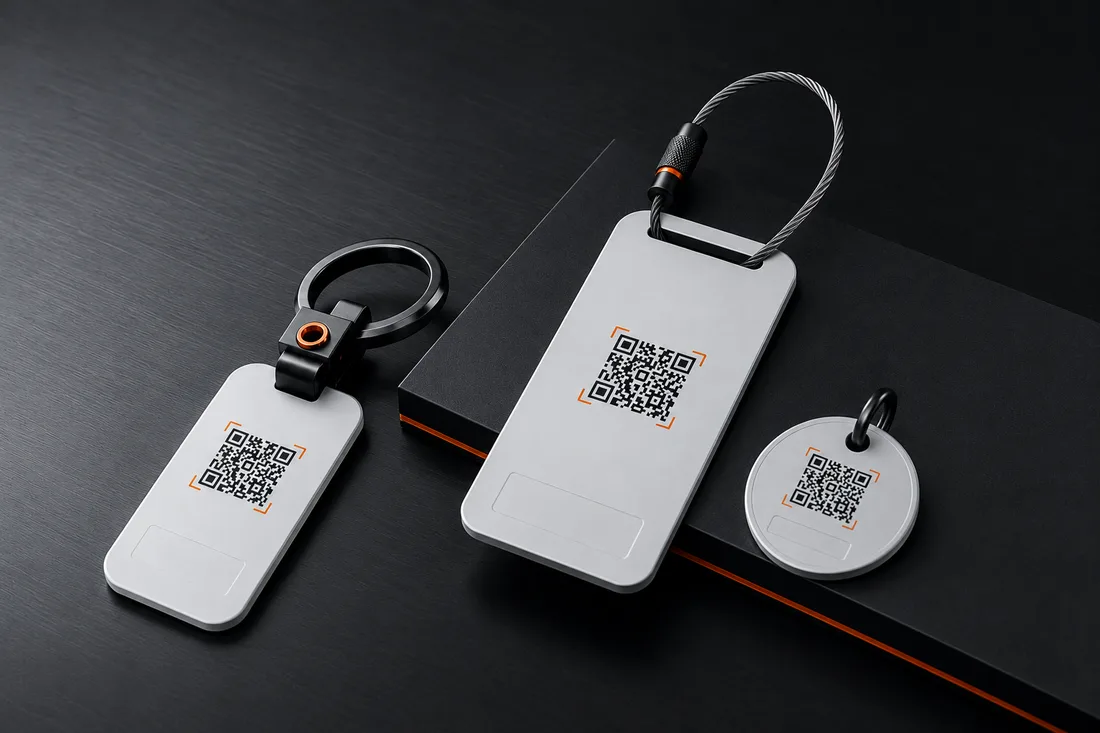
- Worn as a wristband on your wrist — or as a tag, e.g. on your keyring; no battery, nothing to charge
- Data protection
- No personal data in the QR code · the helper never sees a name or number · servers in Germany and the EU
- Contact channels
- Email & WhatsApp included · SMS & anonymous calls optional — switchable anytime in your dashboard
- Origin
- Developed in Germany · Software & platform made in Germany
- What's included
- 1× RescueID wristband · 1× activation card with your personal code · quick-start guide (DE)
- Important
- Complements the emergency call, doesn't replace it — in an emergency: call 112 first, then scan
Our answers
Frequently asked questions about the RescueID.
When will the RescueID be available?
Does the RescueID replace the emergency call?
No, and it's not meant to. In an emergency the rule is always: call 112 first. The RescueID takes over the step after that — it lets your family know that something has happened, and where. Exactly the call that otherwise often comes only hours later, because no one knew whom to dial.
Whom does a helper who scans the RescueID reach?
Exactly the people you've chosen. In the dashboard you set your channels — WhatsApp, SMS or email; with the Premium plan one alert reaches up to three recipients at once, for example your partner and parents. You decide who gets word in an emergency.
Why not just the emergency info on your phone?
The phone's emergency info is useful — if it's kept up to date and the helper finds it. In practice it often fails on both counts: the phone is locked, the info empty, and the way to reach it differs from device to device. The RescueID sits visibly on your wrist and always works the same way: point the camera, done.
Does the RescueID store health data?
Only what you deliberately save. In the dashboard you keep your emergency notes — allergies, pre-existing conditions or medication, for instance — and that is exactly what a helper sees after the scan. Nothing is printed on the wristband itself; you can change or remove the details at any time.
Where can I find out more about the RescueID?
On the Everything about the RescueID page: it explains in detail how it works, why it exists and what's inside it.
The next step
The RescueID is coming to your wrist. You'll be the first to know.
Sign up — we'll be in touch as soon as it's available. Until then, DriveID and TravelID lead the way; all IDs will later share one account.