

← Klartext Explained
How Secure Is SilentLink? The Architecture Behind Anonymous Relaying
20 May 2026 SilentLink-Team ≈ 3 min read
Key points
- Your ID says nothing about you: no name, no number, no address — just a code that leads to a form. Anyone who scans or photographs it gets nothing they could pass on.
- The connection runs as a relay through SilentLink: messages and calls reach you without your contact details ever leaving the platform — GDPR-compliant, on servers in Germany/the EU.
- Control stays with you: switch channels, pause IDs, block codes permanently — at any time. Returned products are automatically blocked when the return arrives.
“I stick a QR code on my car, and strangers can reach me” — anyone hearing that for the first time rightly asks in return: And what do those strangers learn about me in the process? The short answer: nothing. The long answer is this article — layer by layer, including the uncomfortable questions.
Layer 1: What’s on the ID
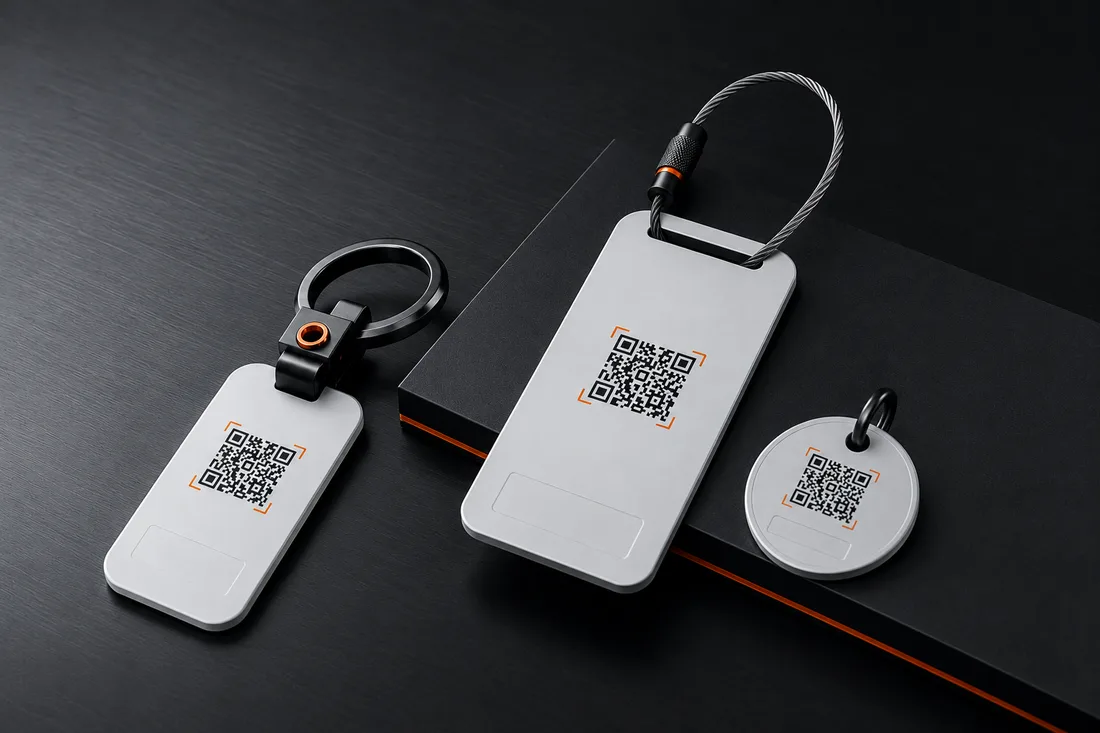
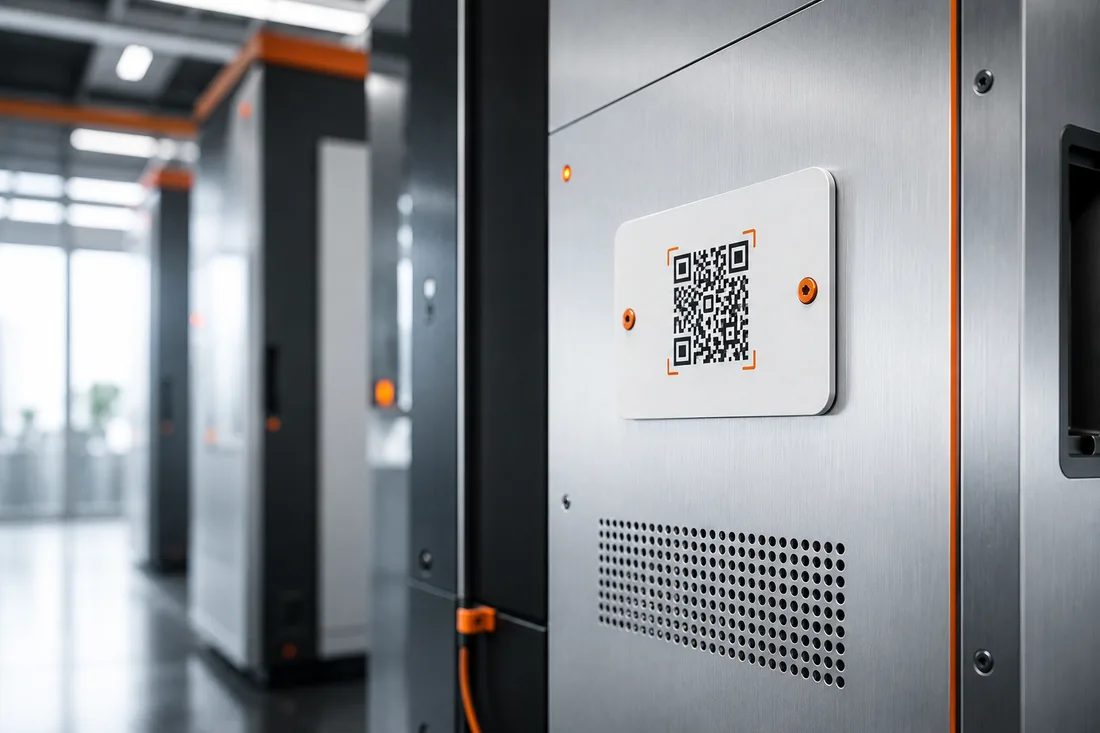
Let’s start with the physical object. A DriveID, TravelID or PetID carries exactly three things: the SilentLink branding, a call to action for the finder — and a QR code. The code is a random, unique identifier. It contains no data about you: no name, no number, no email, no address. It’s a pointer to our relay page, not a container for information.
That fundamentally sets the ID apart from the classic alternative: the engraved tag with a phone number, the note with a mobile number behind the windscreen — both publish your data to everyone who walks past. An ID publishes only the possibility of reaching you.
Layer 2: What the finder sees
Whoever scans the code lands on a web page with a single question: What’s this about? Tap a topic, write a few words, send — no app, no registration. What the finder does not see: your name, your channels, your contact details, your location, whether you’re online. They see a form and a short confirmation that the message was sent. That’s all.
From this follows the answer to the most common security question too: What happens if someone photographs the code? Nothing different from scanning it. There’s simply nothing to gain from the code — and should a code ever be misused conspicuously often, it can be blocked like a lost bank card.
Layer 3: The relay
The finder’s message travels over an encrypted connection to our platform; from there we deliver it on the channel you have chosen — WhatsApp, SMS or email. The finder never picks your channel, they don’t even know it. The same principle applies to anonymous calls: the connection is relayed, your real number stays invisible throughout.
In technical terms: your contact details do not leave the platform. They’re used for delivery, not passed on — processed on servers in Germany and the EU, GDPR-compliantly. Privacy here isn’t a marketing line, but the architecture itself: there is no path in the system by which the finder could reach your data, because that path simply was never built.
Layer 4: Your control
Security is also the question of who’s at the controls. At SilentLink, that’s you throughout:
- Switch channels — any time in the dashboard, no new ID.
- Pause — mute individual IDs or set time windows in which you want to be reachable.
- Block — when you sell or lose the vehicle, the code leads nowhere from the moment it’s blocked; a new ID takes over.
- Returns — codes of returned products are automatically and permanently blocked on arrival. A returned product can’t be reactivated or misused by anyone later.
The honest assessment
No system in the world should call itself “one hundred percent secure” — anyone who does hasn’t understood the subject. What we can say: SilentLink’s security model rests not on promises, but on leaving things out. Data that’s never on the product can’t be read by anyone. Contact routes that are never disclosed can’t be misused by anyone. And a channel you can close at any time is, in the end, controlled by you — not by chance, and not by the finder.
That’s exactly why the sentence that carries our whole product holds for security too: privacy here isn’t a promise. It’s architecture.
FAQ
What happens if someone photographs my QR code?
The same as scanning it on the spot: they see the contact form — nothing else. The code contains no data about you, it only points to the relay page. And should you ever feel a code is being misused, you block it in the dashboard with one click and activate a new one.
Can someone harass me with messages through the ID?
The barrier for that is deliberately high: every message runs through our platform, you can pause individual IDs at any time, set time windows, or block the code permanently. Unlike a publicly visible phone number, you never lose control over the channel.
Does the finder see whether I've read their message — or where I am?
No. The finder only sees that their message was sent — nothing more. Whether you're online, where you are and whether you reply is your business. Conversely, the finder can voluntarily share their location — so you know where your suitcase is, for example.
What does SilentLink store about me?
What you provide during activation — email and chosen channels — as well as what's needed to relay the messages. Processing runs GDPR-compliantly on servers in Germany/the EU; details are in the platform's privacy notice and in our privacy policy.