

Solution · Fault Reporting via QR Code
Report faults via QR code — a scan instead of a hold queue.
Defect, dirt, empty restock: whoever stands in front of it scans the code on the equipment and reports in seconds — no app, no sign-in, no hotline. The report arrives structured with the right team, with equipment, location and photo. For everyone who runs buildings, vending machines or sites and wants to take load off their hotline.
- 0
- apps · for the person reporting
- 24/7
- reportable, including nights and weekends
- 1 scan
- from fault to structured report
- from €0.50
- per unit per month
How a QR reporting system works
Scan. Report. Done.
No IT project, no training — infrastructure to stick on and screw on.
-
Step 01
QR code on the equipment.
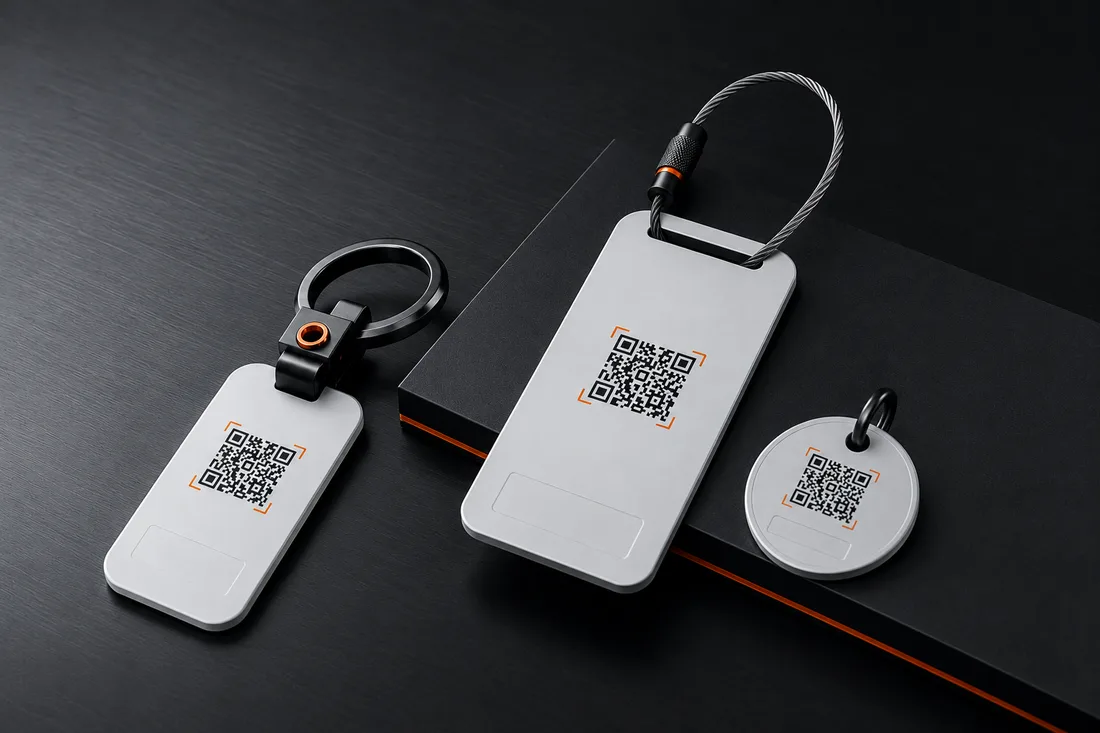
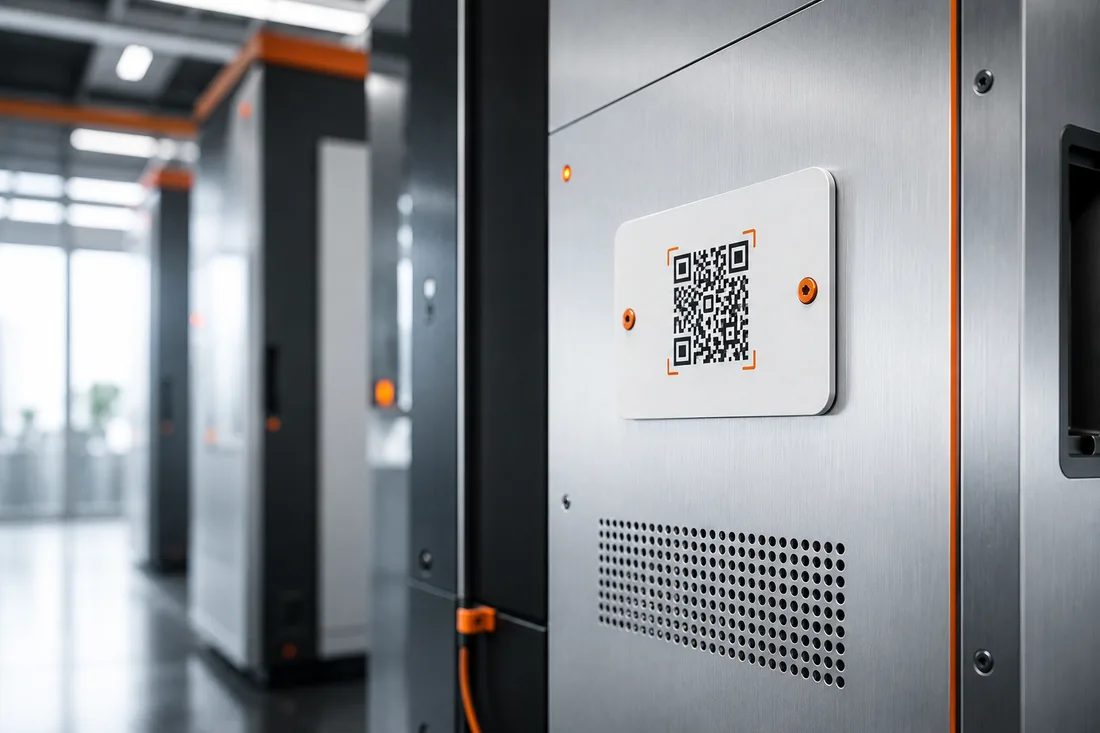
Each code knows its equipment and its location. Which topics can be reported you define per site — from a defect to restock.
-
Step 02
Scan and report.
Whoever notices something scans with the normal phone camera, picks a topic, optionally writes two sentences or attaches a photo. No app, no login.
-
Step 03
Structured with the team.
The report lands by email in the responsible mailbox — uniquely assigned, documented and with no hold queue.
Every report: equipment · location · topic · photo · timestamp
The real problem
It isn't the fault that costs — it's the unreported fault.
The coffee machine acts up, the elevator sticks, the dispenser is empty — and surprisingly little of it gets reported. The path is too long: find a number (there isn't one on the unit), hold queue, dictate equipment and location, follow-up questions because half is missing. So people let it go.
Every unreported fault keeps running: downtime, consequential damage, frustrated users, expensive follow-ups. A QR reporting system lowers the barrier to a single scan — and delivers complete, structured reports to your service team instead of "doesn't work" in the wrong inbox. Why even helpful people don't report is a friction problem, not a motivation one — taken apart in the magazine.
- Reporting where the fault is noticed — not only on the next walk-round
- Complete: equipment, location, photo — no guesswork for the technician
- Also from visitors, tenants and passers-by who would never install an app
Integration
Fits your ticketing system.
Every report arrives structured by email — with equipment, location and photo. Practically any ticketing, task or mailbox system automatically turns it into a case. No interface project, no middleware.
- Jira
- Zendesk
- Trello
- Asana
- Gmail
- Outlook / Exchange
- ServiceNow
- Any mailbox
The brands named indicate compatibility only and belong to their respective owners. Basic rule: whatever an email mailbox can read, the system can supply — via webhook & API on request.
Frequently asked questions
The QR reporting system — in brief.
What operators want to know before rolling it out.
Do you need an app for a QR reporting system?
No. The normal smartphone camera is enough — the scan opens a web page with your topics. That's exactly why the system works with visitors, tenants or passers-by you could never train. The forced app is the real reporting barrier in most reporting solutions.
How does it differ from CAFM or maintenance software?
CAFM systems manage maintenance in the background — strong, but not built for every passer-by in front of the equipment to report in seconds. A QR reporting system is the low-barrier reporting layer in front of it: it captures the faults that today go unreported and delivers them structured to your existing system.
Does this fit our existing ticketing system?
As a rule yes, without a project: reports are delivered by email to any mailbox — any ticketing system with an email inbox (practically all: Jira, Zendesk, ServiceNow, Outlook and others) automatically turns it into a case. Your processes behind it stay untouched.
What does a QR-code reporting system cost?
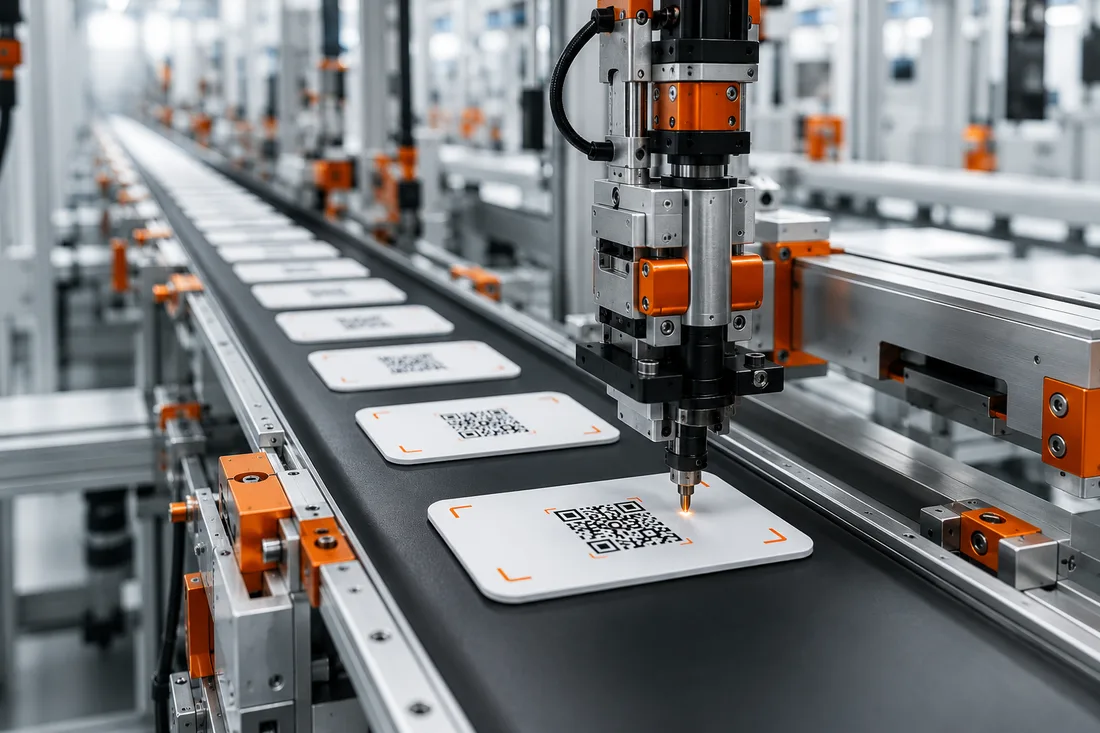
At SilentLink from €0.50 per unit per month, plus a one-off setup fee based on scope — no contract lock-in, with volume pricing. Included are tags, configuration per site, delivery, documentation and analytics.
The code is out in the open — what about nonsense reports?
The structure protects you: whoever reports picks from your predefined topics instead of writing freely, and every report is uniquely assigned to a piece of equipment. If a tag causes trouble, it can be blocked and replaced — without touching the rest.
How quickly is a QR reporting system operational?
It's not an IT project. As soon as topics and recipients are set, we produce your tags — apply them, done. The installation itself is usually an afternoon; from order to a running system typically takes about two weeks.
The product behind it
This QR reporting system is called ServiceID.
The solution on this page is ServiceID by SilentLink — a reporting platform that uses the same routing infrastructure as our consumer products. You're not buying an idea, you're buying a system in daily operation.
On the product page you'll find the deployment scenarios in detail, the honest comparison with hotline, reporting app and sensor technology, and all the key facts on cost, rollout and integration.
- Topics, fields and recipients configurable per site
- Weatherproof tags for indoors and out, uniquely assigned to the equipment
- Analytics: which units report most often
The platform in the field
Proven, not promised.
The routing that delivers your reports runs every day in consumer use across the SilentLink product family. Here's what those users say:
4,9
out of 5 · 109 reviews
QR reporting system
Make faults reportable.
Describe your use case to us — you'll get a concept, a sample setup and a concrete quote. Two fields are enough, reply on business days within 24 hours.
Your contact
You speak directly with us — the people who built the system, not a reseller.
- Reply within 24 h on business days
- Free & no obligation
- Software made in Germany · Servers in DE & EU · GDPR-compliant
Prefer to write? Briefly outline your project — reply within 24 hours on business days.
Your request is in.
A confirmation is on its way to — check your spam folder just in case. We usually get back to you within one business day.
Submission failed.
That didn't go through just now. Send us your request directly by email instead — your details are already filled in:
Send by email