

Solution · Digital Maintenance
Digital maintenance starts at the equipment.
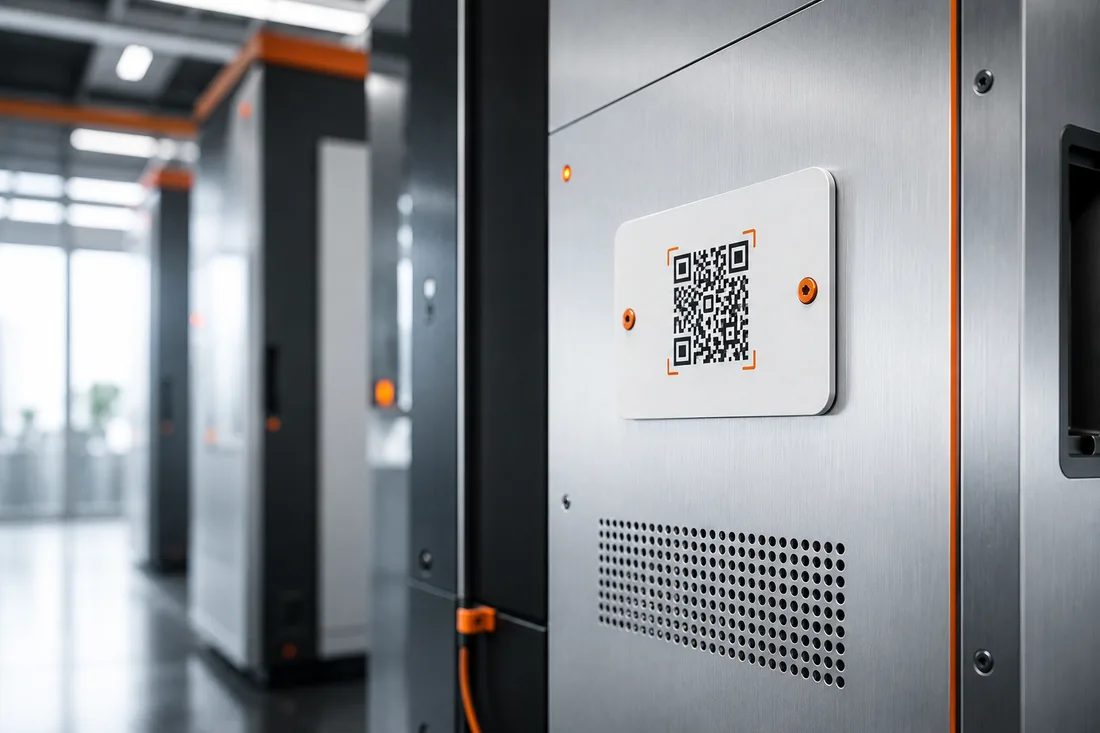
Most maintenance systems are strong in the background — and weak exactly where the fault arises: right in front of it, with the person who notices it first. A QR code on the equipment closes that gap: scan, choose a topic, send. The report flows in a structured way into your processes, no app and no IT project.
- 0
- apps · logins · training
- 1 scan
- from defect to documented report
- 100 %
- of reports with equipment, location & timestamp
- from €0.50
- per unit per month
Why digitization often stalls
It isn't the software that's missing — it's the first report.
Many operations have long had a maintenance or CAFM system. Yet at the equipment, the handwritten "BROKEN!!" note still rules — because the digital reporting path is too long: install the app, log in, find the equipment, fill in the form. For the colleague passing by, the tenant or the visitor, that's too much. So instead of reporting, they stick up a note.
A QR reporting system starts exactly there: it makes the first report as easy as scanning a code — and hands it over, cleanly structured, to the system you already use. Digitization doesn't begin in the software, it begins at the equipment.
- No media break: a scan report instead of a paper note, a shout across the room or a lost memo
- Complete from the first second: equipment, location, photo, timestamp
- Anyone can report — employees, contractors, visitors, no app
How the digital report works
Scan. Assign. Documented.
Between the defect and the case in your system lie three seconds.
-
Step 01
QR code on plant & machine.
Each code is uniquely assigned to an asset and location. Which topics can be reported — defect, maintenance due, restock — you define per asset.
-
Step 02
Report without friction.
Scan with the normal camera, choose a topic, optionally two sentences or a photo. No app, no login, no training — which is exactly why people actually report.
-
Step 03
Structured into the system.
The report flows by email as a complete data record into your ticketing or maintenance system — with asset, location and photo, no follow-up needed.
Analyzable: which assets report most often — a basis for preventive maintenance
Integration
Complements your system — doesn't replace it.
Reports arrive structured by email and automatically become a case in your ticketing, task or maintenance system. No interface project, no middleware.
- Jira
- Zendesk
- Trello
- Asana
- Gmail
- Outlook / Exchange
- CAFM / CMMS
- Any mailbox
The brands named indicate compatibility only and belong to their respective owners. Basic rule: whatever an email mailbox can read, the system can supply — via webhook & API on request.
Frequently asked questions
Digitizing maintenance — in brief.
Does this replace our maintenance software or CMMS?
No — it complements it. A CMMS/CAFM manages maintenance, history and planning in the background. A QR reporting system is the low-barrier reporting layer in front of it: it ensures that faults get reported at all and completely, and hands them over to your system in a structured way.
Does this also work for production machines?
Yes. The code can be applied to a label, nameplate or housing and is uniquely assigned to the machine. For safety-critical plant, mandatory fields and recipients can be defined per asset.
How does the report get into our system?
By email to a mailbox of your choice — with all structured fields. Practically any ticketing, task or maintenance system with an email inbox automatically turns it into a case. Via webhook & API on request.
What's the difference from a dedicated reporting app?
An app only works if everyone has installed it — visitors, external firms and temporary staff never have. Yet those are often the very people standing in front of the equipment. Scanning with the normal camera needs no installation, so the reporting rate is higher.
How quickly is it up and running?
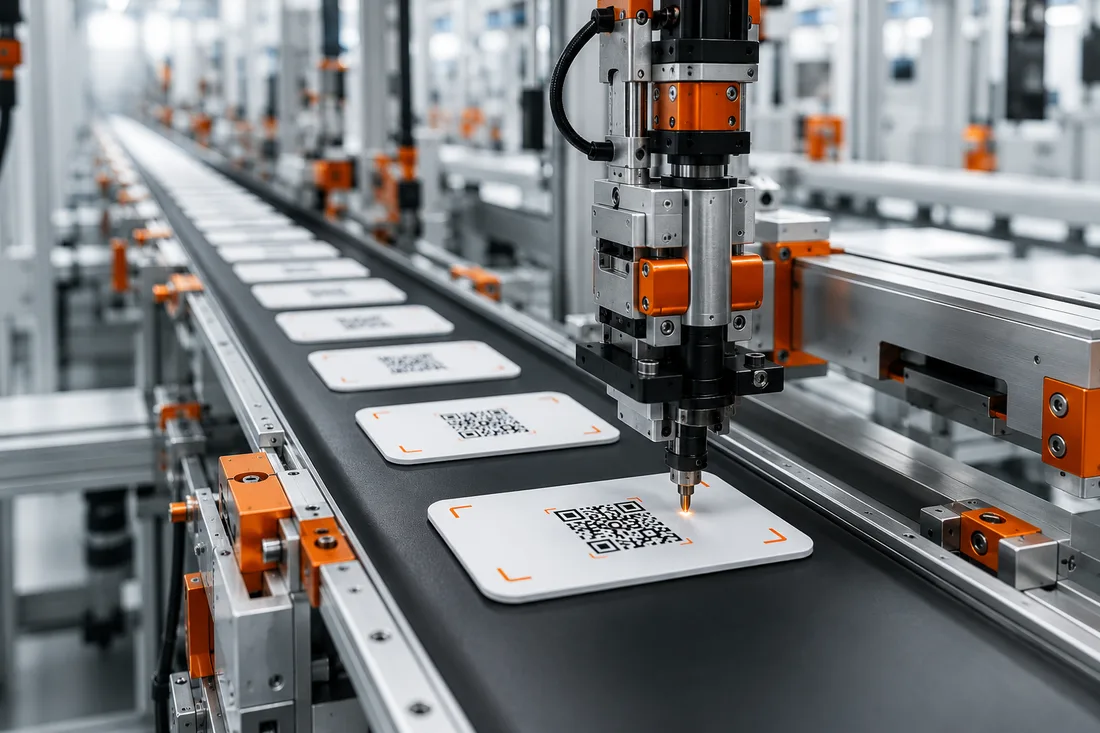
No IT project: as soon as topics and recipients per asset are set, we produce your tags — apply them, done. Start with one asset group and expand once the reports prove the value.
The product behind it
This reporting layer is called ServiceID.
The solution on this page is ServiceID by SilentLink — a reporting platform on the same routing infrastructure that carries our consumer products every day. You're not buying an idea, you're buying a system in operation.
On the product page you'll find deployment scenarios, the honest comparison with hotline, app and sensor technology, and all the key facts on cost, integration and rollout.
- Topics, mandatory fields and recipients configurable per asset
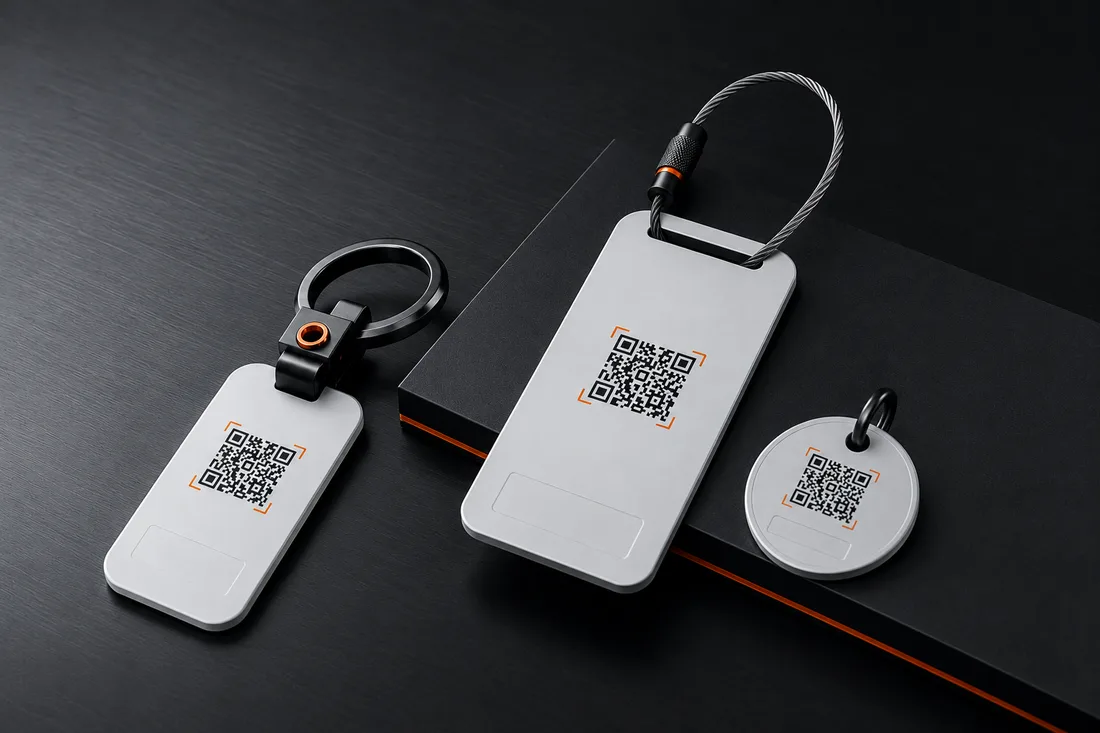
- Weatherproof tags for the factory floor, outdoor sites and equipment rooms
- Want a worked example? The fault-cost calculator shows your potential
The platform in the field
In operation, not in a requirements spec.
The same routing that delivers your reports runs every day in consumer use across the SilentLink product family. Here's what those users say:
4,9
out of 5 · 109 reviews
QR reporting system
Digitize the reporting path.
Tell us about your equipment park — you'll get a concept, a sample setup and a quote. Two fields are enough, reply on business days within 24 hours.
Your contact
You speak directly with us — the people who built the system, not a reseller.
- Reply within 24 h on business days
- Free & no obligation
- Software made in Germany · Servers in DE & EU · GDPR-compliant
Prefer to write? Briefly outline your project — reply within 24 hours on business days.
Your request is in.
A confirmation is on its way to — check your spam folder just in case. We usually get back to you within one business day.
Submission failed.
That didn't go through just now. Send us your request directly by email instead — your details are already filled in:
Send by email