

01 Control
Pause & time windows
On holiday, when selling or just because: pause or deactivate your ID with one click — from that moment the QR code leads nowhere.
Ships from Germany · 1–2 business days
Quick start · Activation
Good to have you here. Grab your activation card — two minutes and you're reachable. It all happens in the browser.
Your activation card · tap to flip
Step by step
The same flow as on your card — plus everything worth knowing along the way.
Step 01
Point your camera, tap the link — that's all it takes. The first scan opens the setup in your browser; the rest explains itself.
Check first, then activate
You can return unactivated IDs within 30 days. Not sure about the spot yet? Attach and check it first — you can activate anytime.
Step 02
Your activation card shows your personal 6-digit code. Type it in — it links exactly this ID to you.
Step 03
Sign in or register in a moment — Google works too. Then you decide where messages arrive: WhatsApp, SMS or email.
Privacy
Every message runs through SilentLink as the go-between — your name, number and address never leave your account.
Works with any smartphone, worldwide.
Activation ≈ 02:00 min · one time · no app
After activation
Activation is the only must-do — everything else is optional and waits in the dashboard for when you need it.
01 Control
On holiday, when selling or just because: pause or deactivate your ID with one click — from that moment the QR code leads nowhere.
02 Expand
Every further ID you activate lands in your account automatically. One login, all products — from car to suitcase.
03 Plan
Every activation includes the Starter plan with unlimited email notifications. You choose more only if you want to — today or someday.
FAQ about activation
No — neither you nor the finder. Activation happens in the browser, messages come by WhatsApp, SMS or email. There's nothing to install and nothing to update.
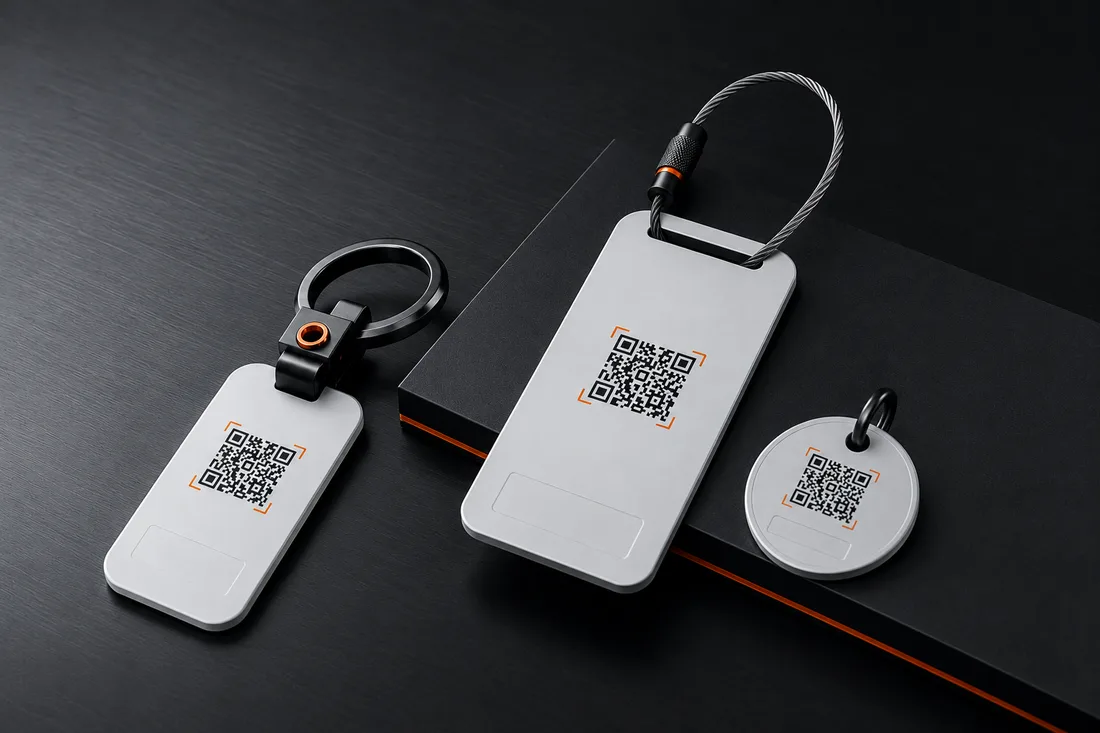
DriveID: inside the windscreen, bottom right, next to the emissions sticker. TravelID: on the handle of your suitcase or backpack. PetID: on the collar or harness. KeyID: on the keyring. RescueID: on your wrist or as a pendant — wherever it will be seen at once in an emergency.
No. Scan the new ID, log in, and it appears automatically in your existing account. One login for everything.
The code belongs to your ID, not the card. Write to us at info@silentlink.de with your order number — we'll reassign the code to you and help with activation.
Within a Family account, yes — there you can hand an ID over to a family member in a few clicks. Outside your family, no: with activation the ID is permanently assigned to your account and personalized. So: attach and check it first, then activate. You can return unactivated IDs within 30 days.
Nothing, as long as you don't want anything extra: the Starter plan with unlimited email notifications is included forever. You choose Premium and Family at activation or later in your account — with no deadline at all.
Yes — the QR code works with any smartphone camera, worldwide. The finder page opens in the browser, with no app and no account.
Stuck somewhere?
Write to us about which step is stuck — we reply quickly, personally and in plain English.
Privacy
We’d like to understand how our site is used and steer our advertising sensibly. Essential functions work without any tracking. Details in the privacy policy.